Make a looping GIF.
Create a looping animated GIF from a description, with an optional photo to animate.
Aspect ratio
 After
 Before
Examples
Compare the original with the result
How to make a GIF in 2 steps.
Describe your loop
Describe the motion you want and optionally add a photo to animate.
Get your GIF
Make your GIF, then download it or find it in your Library.
See it work
Photos in motion.
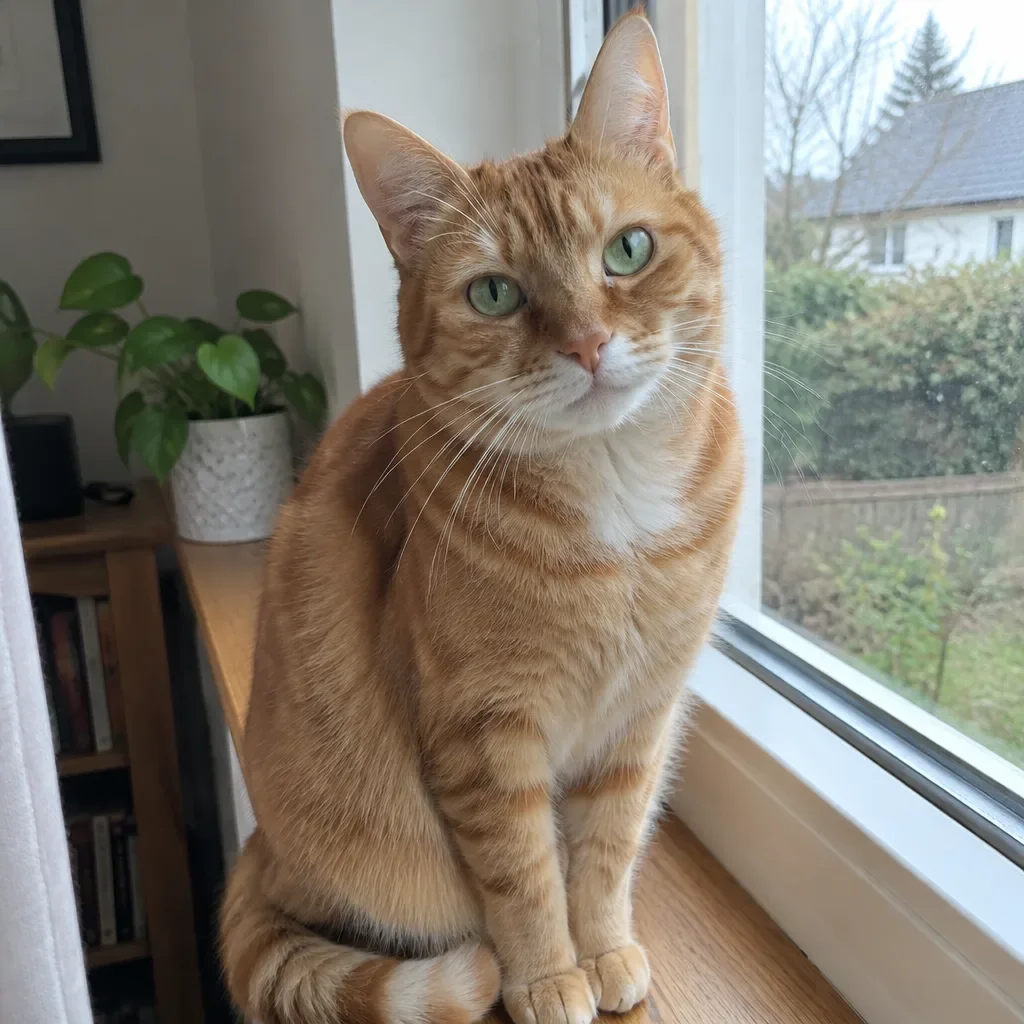
Each photo became a looping GIF from a short description. Hover or tap to see the original.



Core features
Made for short loops.
Create a short animated GIF from an idea or a photo.
From your words
Describe the scene and the motion you want to see.
Animate a photo
Add a photo as a reference for your loop.
Looping GIF
Download your result as an animated GIF that loops.
Make it a sticker
Open a GIF you made in Sticker Maker, ready to turn into a chat sticker.
More tools.
- Image to PromptTurn an image into a detailed AI art prompt for image generation.
- Background RemoverRemove the background from any image online. Get a clean transparent PNG or WEBP in seconds.
- Sticker MakerTurn any photo, GIF or short clip into a sticker online. Get a 512 px WebP with a white outline, ready for WhatsApp and sticker-pack apps.
- Image VectorizerConvert a JPG, PNG or WEBP image to SVG online. Get a clean vector file that scales to any size, in seconds.
- Image UpscalerUpscale an image 2× or 4× online, up to 4096 px, and download it as PNG, WEBP or JPG. Usually under 30 seconds.
- Video Face SwapSwap the person in your video for anyone in a photo. Motion, expressions, background and audio stay as filmed. Clips up to 30 seconds, with resolutions depending on the model.
- Video UpscalerImprove video quality with P-Video-Upscale by Pruna AI. Upscale clips to 720p, 1080p, 2K or 4K and choose 30 or 60 fps.