Upscale your video.
Improve video quality with P-Video-Upscale by Pruna AI. Upscale clips to 720p, 1080p, 2K or 4K and choose 30 or 60 fps.
Compare the original with the result
How to upscale a video in 2 steps.
Upload your video
Choose an MP4, MOV or WEBM clip from 3 to 30 seconds long, up to 200 MB.
Choose your output
Pick a resolution and frame rate, then run the upscale. It usually takes 1 to 3 minutes.
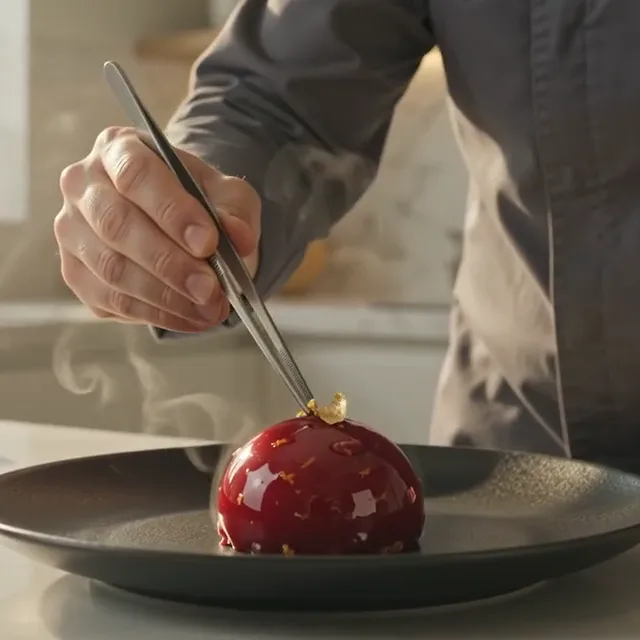
Videos with more detail.
Explore real results from different clips and output presets.
More detail in motion.
Bring clarity to a range of footage with P-Video-Upscale.
Up to 4K
Choose 720p, 1080p, 2K or 4K. Only presets with a larger pixel area than your clip are offered.
Smoother motion
Choose 30 or 60 fps. The 60 fps option adds frames by interpolation.
Keep the framing
The result keeps the aspect ratio and audio of your original clip.
Many kinds of video
Try live action, animation, game footage or older footage.
See the difference.
Compare an enlarged original with the upscaled result as the slider moves across the clip.
More tools.
- Image to PromptTurn an image into a detailed AI art prompt for image generation.
- Background RemoverRemove the background from any image online. Get a clean transparent PNG or WEBP in seconds.
- Sticker MakerTurn any photo, GIF or short clip into a sticker online. Get a 512 px WebP with a white outline, ready for WhatsApp and sticker-pack apps.
- Image VectorizerConvert a JPG, PNG or WEBP image to SVG online. Get a clean vector file that scales to any size, in seconds.
- Image UpscalerUpscale an image 2× or 4× online, up to 4096 px, and download it as PNG, WEBP or JPG. Usually under 30 seconds.
- Video Face SwapSwap the person in your video for anyone in a photo. Motion, expressions, background and audio stay as filmed. Clips up to 30 seconds, with resolutions depending on the model.