Turn any photo or clip into a sticker.
Turn any photo, GIF or short clip into a sticker online. Get a 512 px WebP with a white outline, ready for WhatsApp and sticker-pack apps.
 After
 Before
Compare the original with the result
How to make a sticker in 2 steps.
Upload your file
Drop an image, a GIF or a clip of up to 10 seconds into the box, or click to choose one from your device.
Get your sticker
Download the WebP sticker. In WhatsApp, open the sticker tray in any chat, tap Create and pick the file. Sticker-pack apps can import the WebP too.
From photo to sticker.
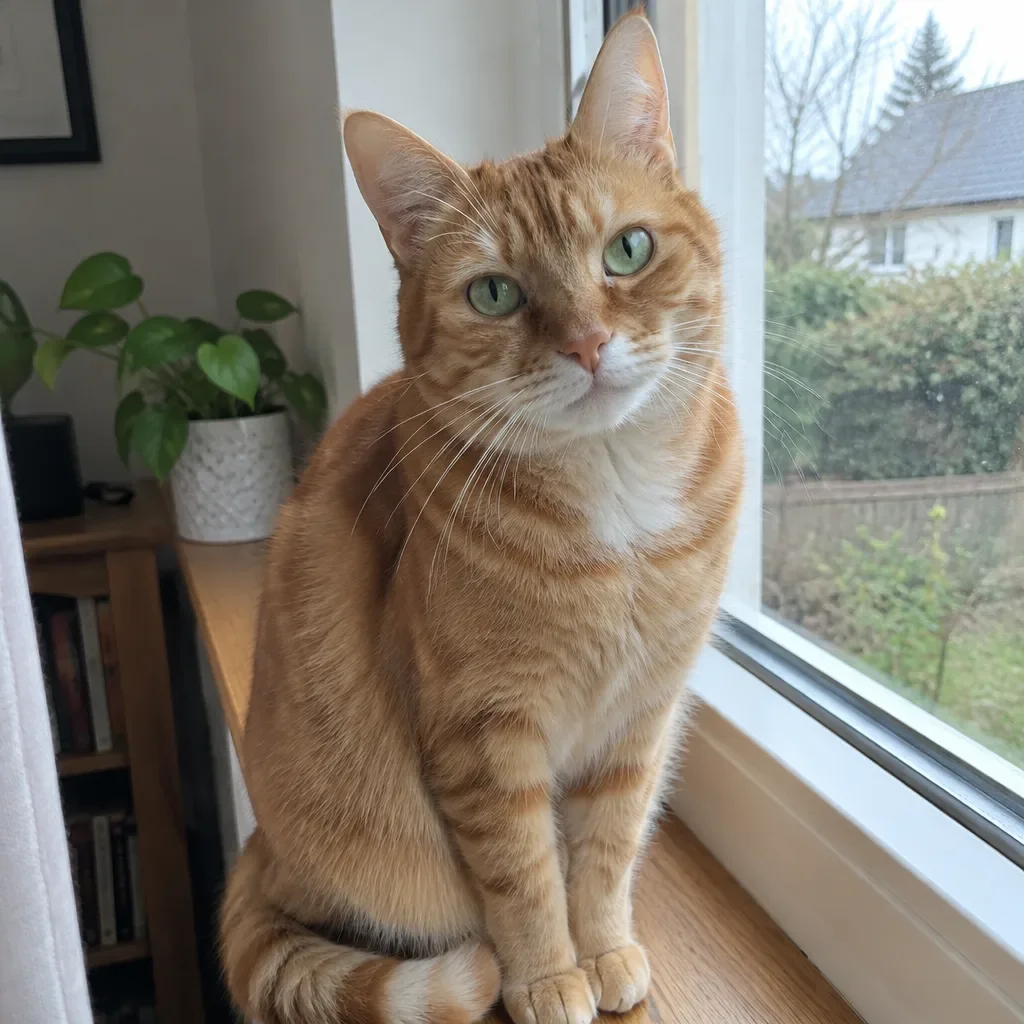
Three photos and a short clip, each cut out and outlined in white. Hover over a sticker, or tap it, to see the original.
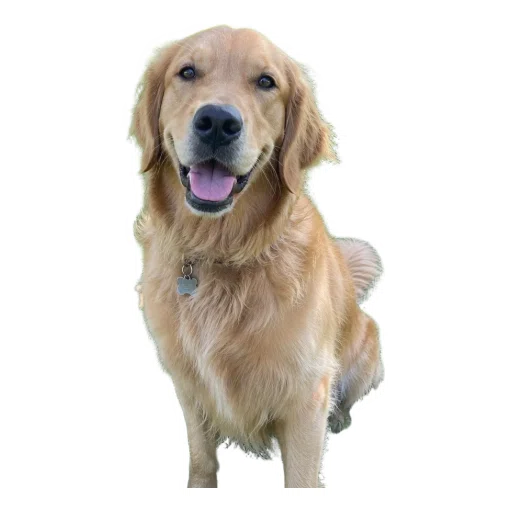

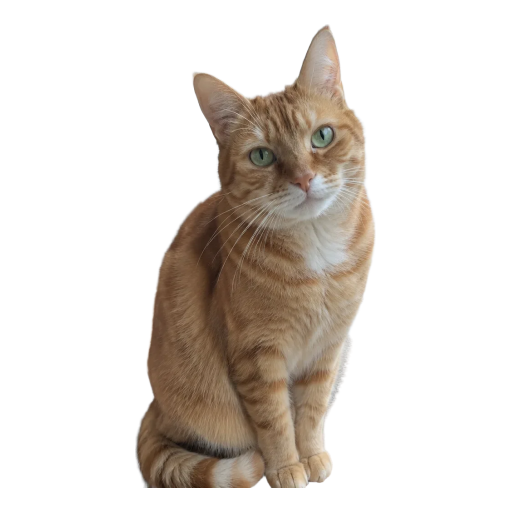
Made for chat stickers.
Cut out the subject of a photo, a GIF or a clip, outline it in white and get a sticker that is ready to send.
512 px WebP
Every sticker is a 512 × 512 px WebP with a transparent background and a white outline around the subject.
Ready to use
The size and format are what WhatsApp and sticker-pack apps expect, so you can add the sticker as soon as you download it.
Animated stickers
Upload a GIF or a clip of up to 10 seconds and get an animated sticker under 500 KB.
Exact cutout
The subject is cut out of your image and kept as uploaded, not redrawn. Only the background is removed.
More tools.
- Image to PromptTurn an image into a detailed AI art prompt for image generation.
- Background RemoverRemove the background from any image online. Get a clean transparent PNG or WEBP in seconds.
- Image VectorizerConvert a JPG, PNG or WEBP image to SVG online. Get a clean vector file that scales to any size, in seconds.
- Image UpscalerUpscale an image 2× or 4× online, up to 4096 px, and download it as PNG, WEBP or JPG. Usually under 30 seconds.
- Video Face SwapSwap the person in your video for anyone in a photo. Motion, expressions, background and audio stay as filmed. Clips up to 30 seconds, with resolutions depending on the model.