What Kling IMAGE 4.0 is good at.
Kling AI announced Kling IMAGE 4.0 on November 17, 2026. The maker highlights improvements in realism, text rendering, instruction following and consistency with references. These are capabilities to explore, not guarantees: inspect text, objects and details in every result.
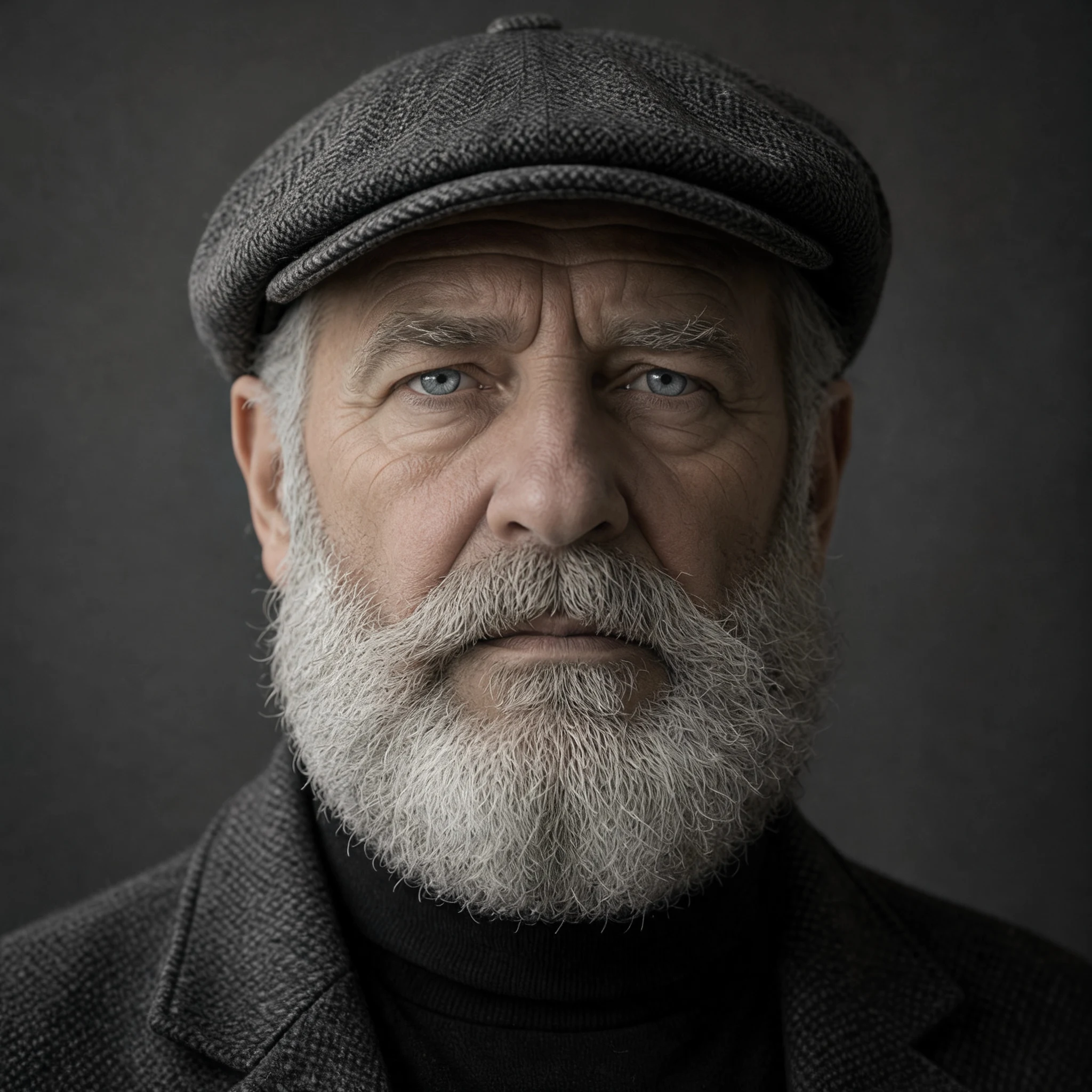
Runware describes natural lighting and detailed skin and materials. The studio portrait and overhead desk examples below show two ways to ask for those details, with different lighting and compositions.
The maker also describes 8K output and image sets in its API. Geneso offers single images in 2K and 4K sizes for this model. Check the generator for the available proportions and select the size for your intended use.
How to use Kling IMAGE 4.0 on Geneso.
Open the image generator. The buttons on this page select Kling IMAGE 4.0. Write a prompt, choose your settings and review the estimate before generating.
- 01
Describe the scene
Name the subject, setting and light. For lettering, put the exact words in quotation marks and specify where they belong.
- 02
Choose a size and references
Choose a square, landscape or portrait size. Geneso accepts up to 10 reference images for this model; explain which details they should guide.
- 03
Review and refine
Check the credit estimate, generate and inspect the result. Adjust the wording if text, placement or other details need another attempt.
Prompt tips and examples.
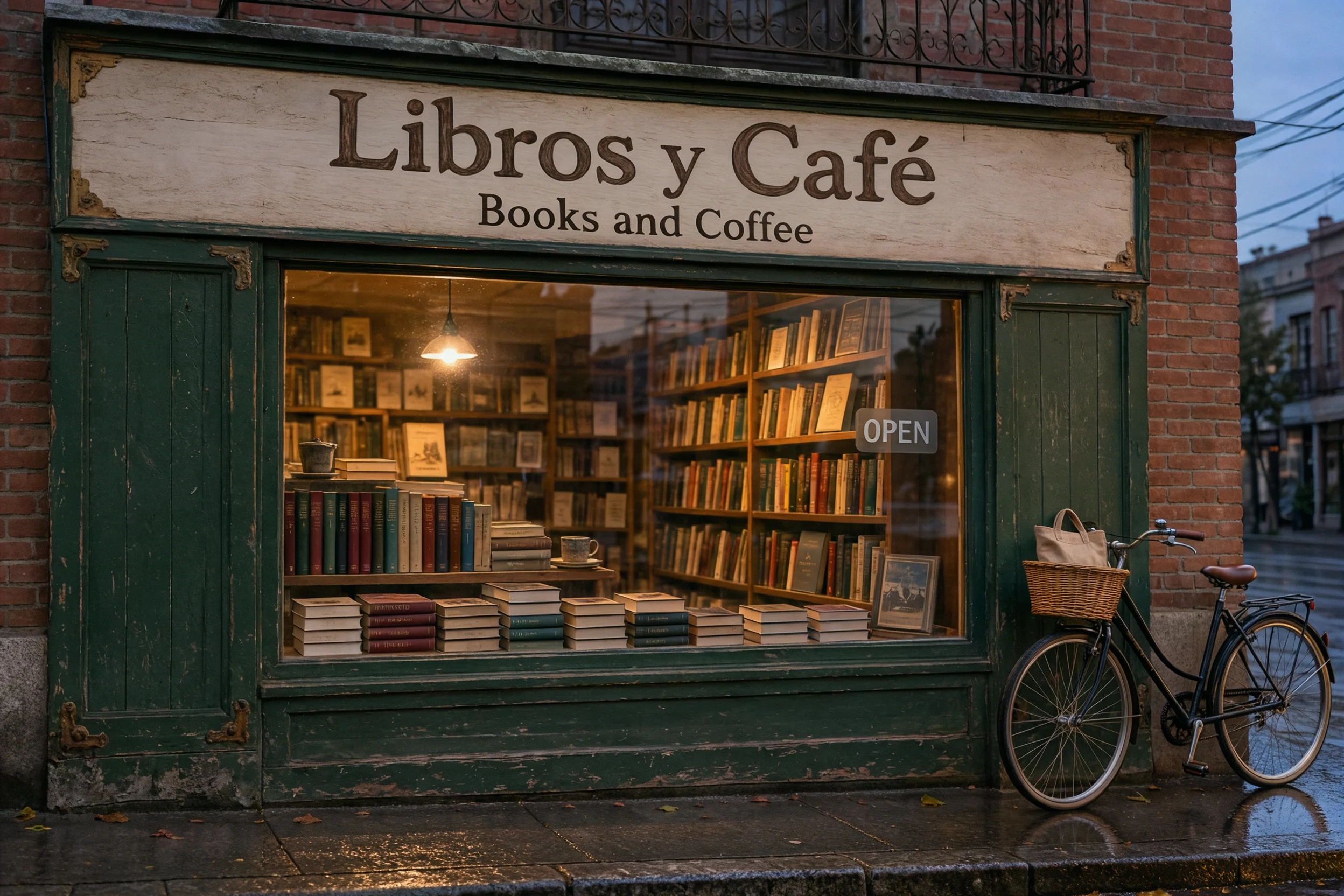
The portrait asks for window light and close detail in skin and beard. The bookshop prompt specifies two lines in different languages. Both requested lines appear in that take, but an additional OPEN sign appears in the window.
The desk example names the objects, materials, camera angle and lighting. Compare the original prompts with the results, then adapt one instruction at a time for your own subject. A successful take does not guarantee the same result on another run.
- Take
- 02
- Size
- 2496 × 1664
- Aspect
- 3:2
- credits
- 106
A bilingual bookshop
Both requested lines appear, along with an unrequested OPEN sign in the window.
Generated
Original prompt
A street-level photo of a small bilingual bookshop storefront in the evening. The painted sign above the window reads "Libros y Café" on the first line and "Books and Coffee" on the second line. Warm interior light, stacked books in the window, a bicycle leaning against the wall, wet pavement reflecting the light. Realistic photography.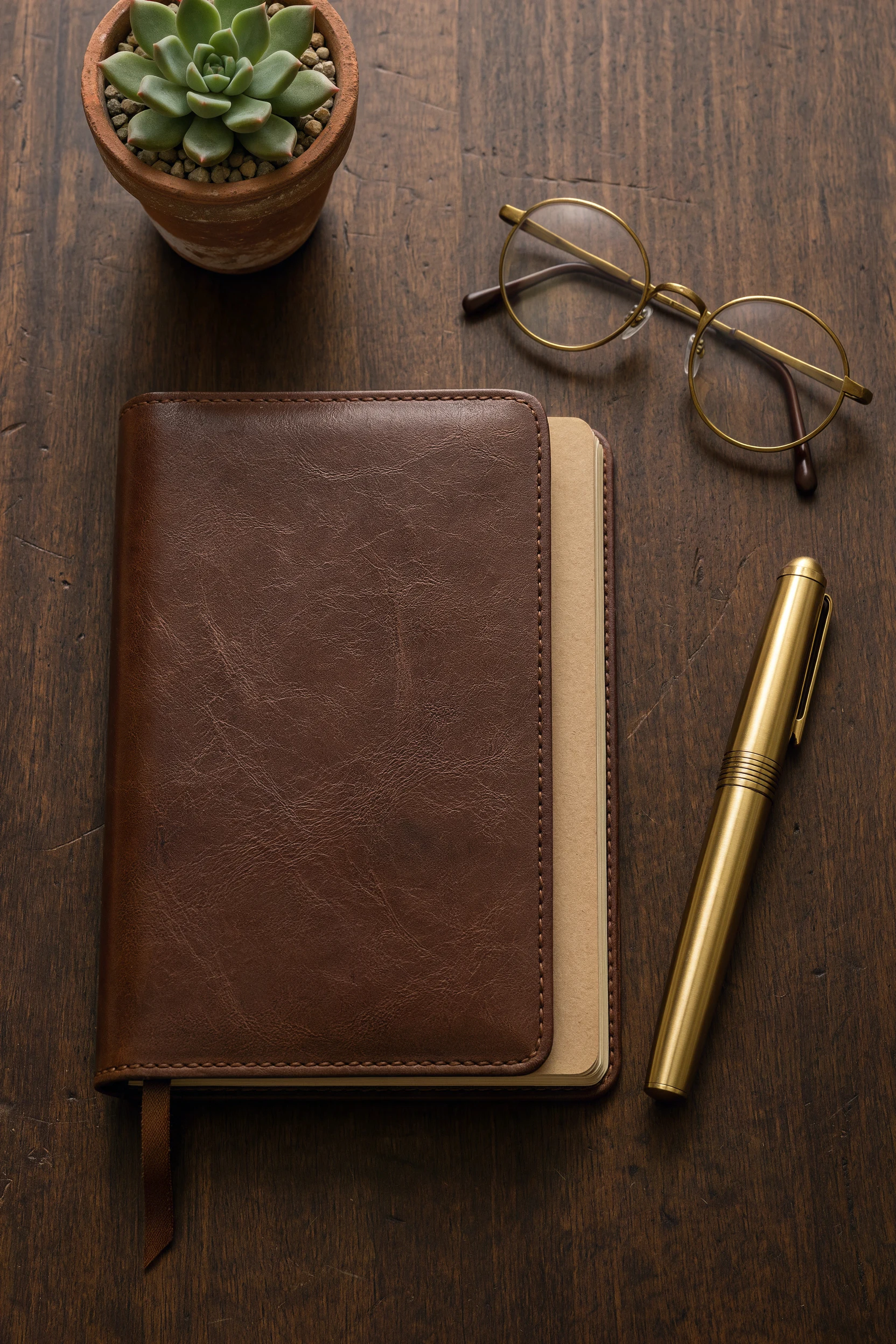
- Take
- 03
- Size
- 1664 × 2496
- Aspect
- 2:3
- credits
- 106
An overhead product scene
Generated
Original prompt
An overhead product shoot of a leather notebook, a brass fountain pen, a pair of reading glasses and a small succulent arranged on a dark walnut desk, soft diffused top light, accurate material detail on leather grain and brushed brass, editorial catalog style, no text or logos.Compare image models.
The live table compares maximum size, aspect ratio count, default credits and plan access. Default costs use each model’s own settings, so compare the formats as well as the numbers. Try the same brief on different models and judge the results.
Looking for moving images instead? The Kling VIDEO 4.0 page covers the separate video model.
Credits and pricing on Geneso.
A 2048 x 2048 image costs 106 credits. A 4096 x 4096 image costs 158 credits. Reference images can affect the estimate; check the generator before each request.
Kling IMAGE 4.0 is available on the Free plan. The Free plan includes 300 welcome credits and 50 daily credits. See pricing for current plan details.
Use Geneso in AI apps.
Claude
ChatGPT
Other MCP apps
Frequently asked questions.
Who made Kling IMAGE 4.0?
Kling AI made the image model and announced it in November 2026. Geneso provides access through Runware.
How do I use it on Geneso?
Open the generator, describe the image, select a size and check the credit estimate. The buttons on this page select the model.
Can I use reference images?
Yes. Geneso supports up to 10 reference images for Kling IMAGE 4.0. Describe the role of each reference and check the result.
What sizes are available?
Geneso offers 2K and 4K sizes, including square, landscape and portrait options. The maker also describes 8K, but it is not offered for this model in the Geneso catalog.
How much does an image cost?
A 2048 x 2048 image costs 106 credits. The generator shows an estimate for your selected settings.
Is this the video model?
No. This page covers still images. See Kling VIDEO 4.0 for the separate video model.
Sources.
- Kling AI: release notes
Accessed
- Kling AI: API updates
Accessed
- Runware: Kling IMAGE 4.0
Accessed