Holiday Card from a Photo.
Turn a photo of a person, family or pet into a festive winter greeting card with an optional message.
Upload your image
Drag or click to select an image
Tip: 2:3 images work best for this template!
Add a clear photo of a person, family or pet.
Type a short greeting if you like, or leave it blank.
Generate your card and see the result on the page.
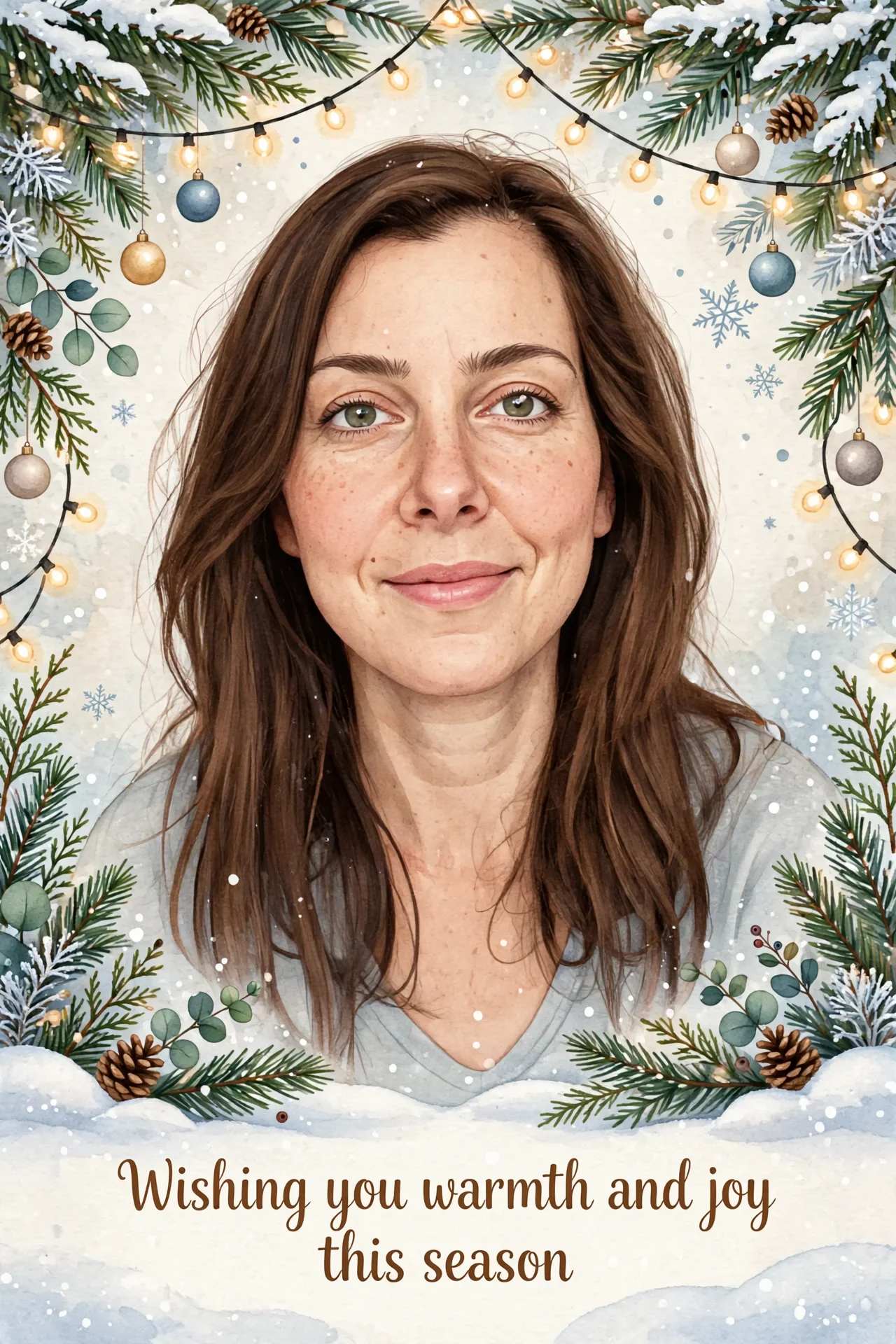
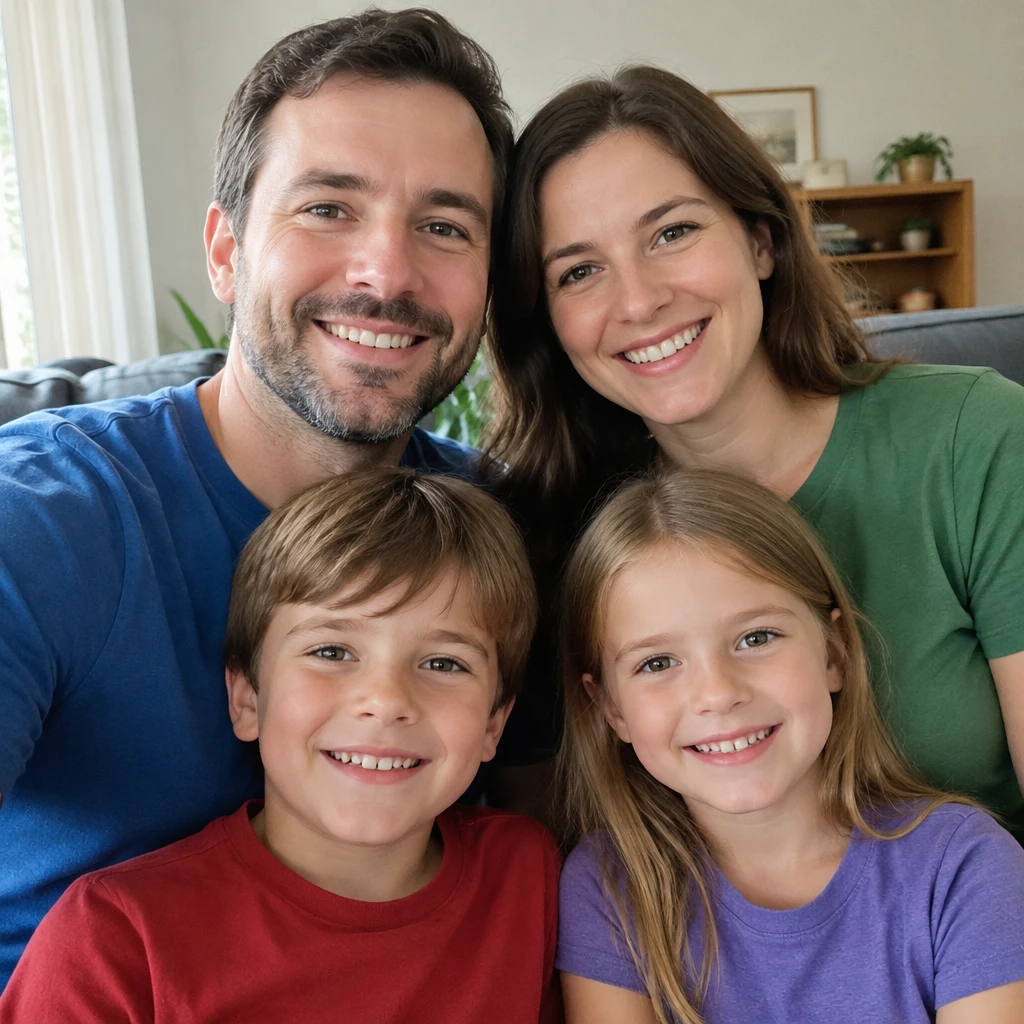
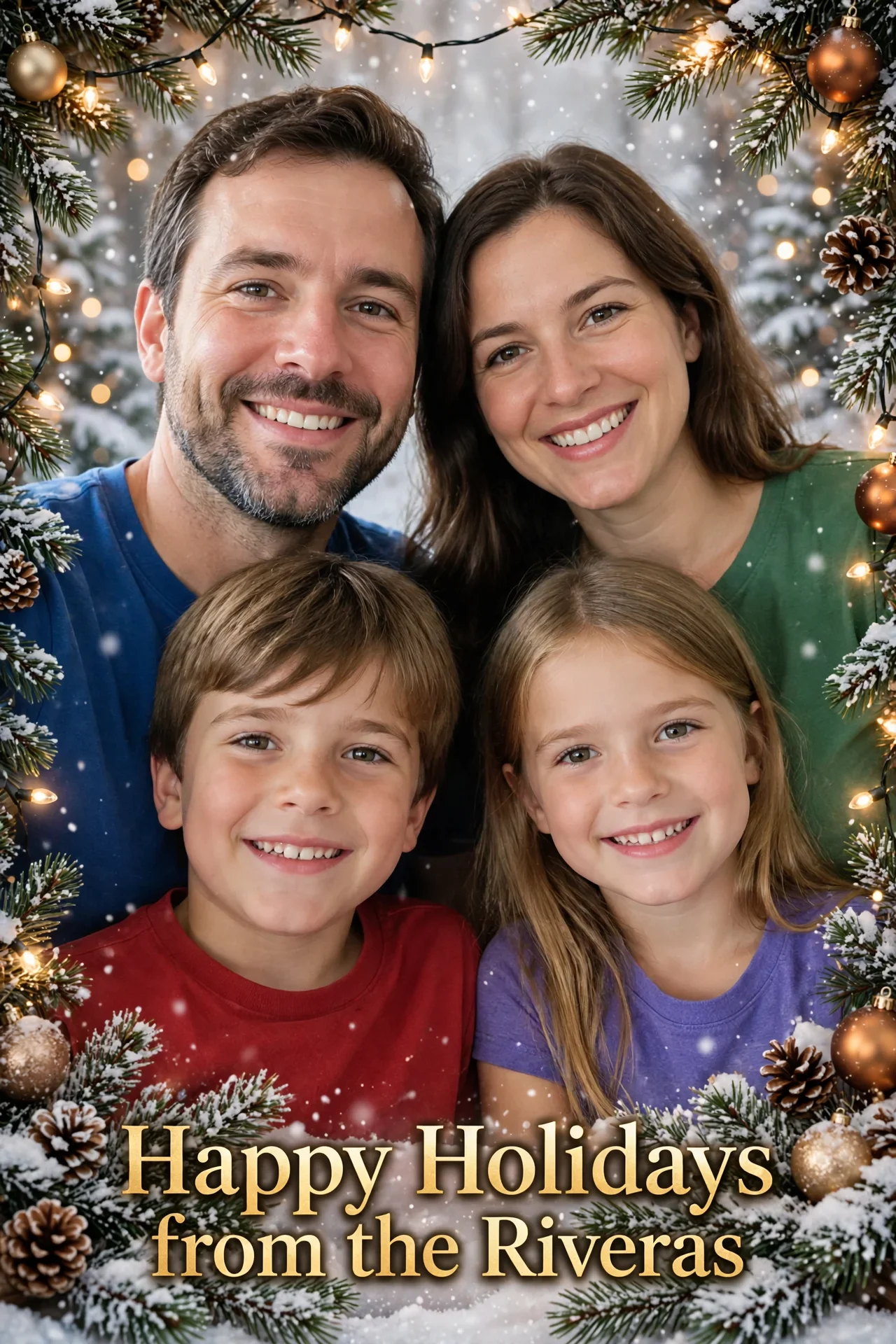
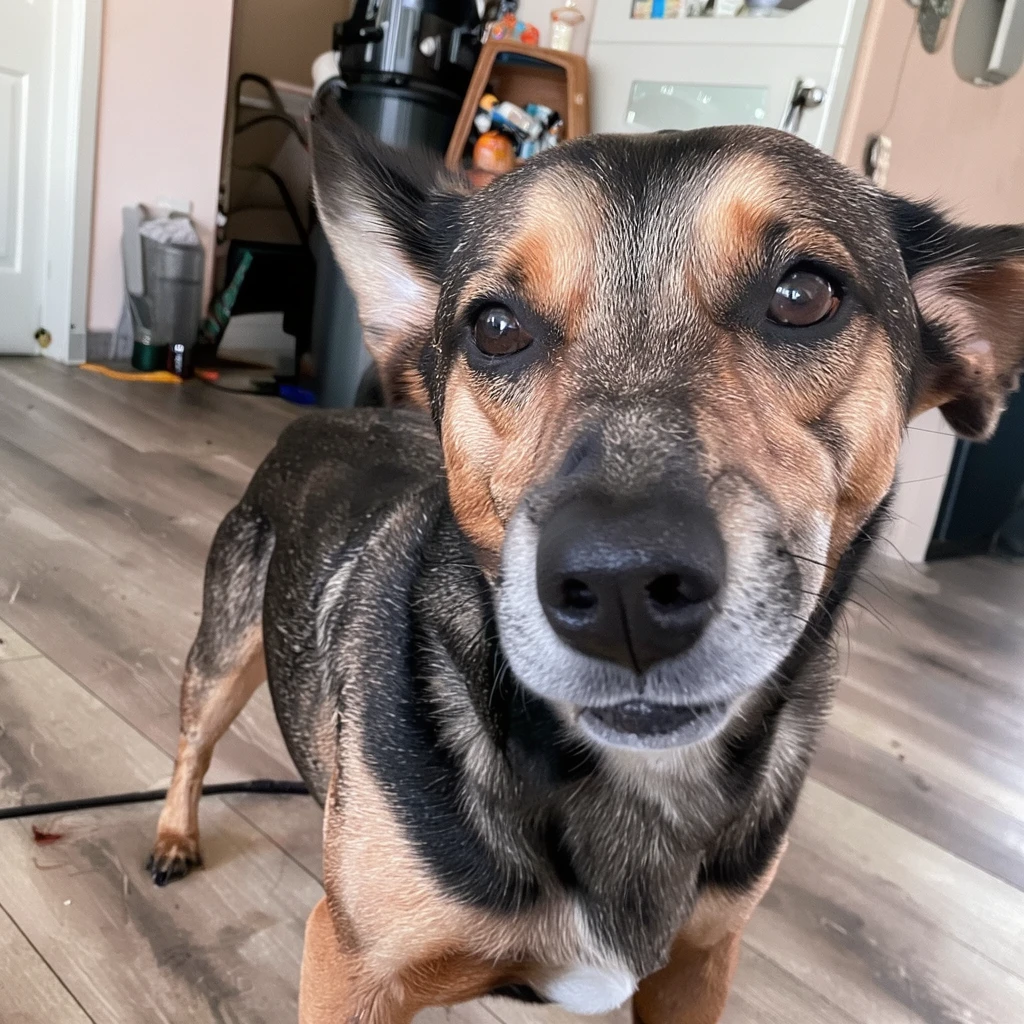
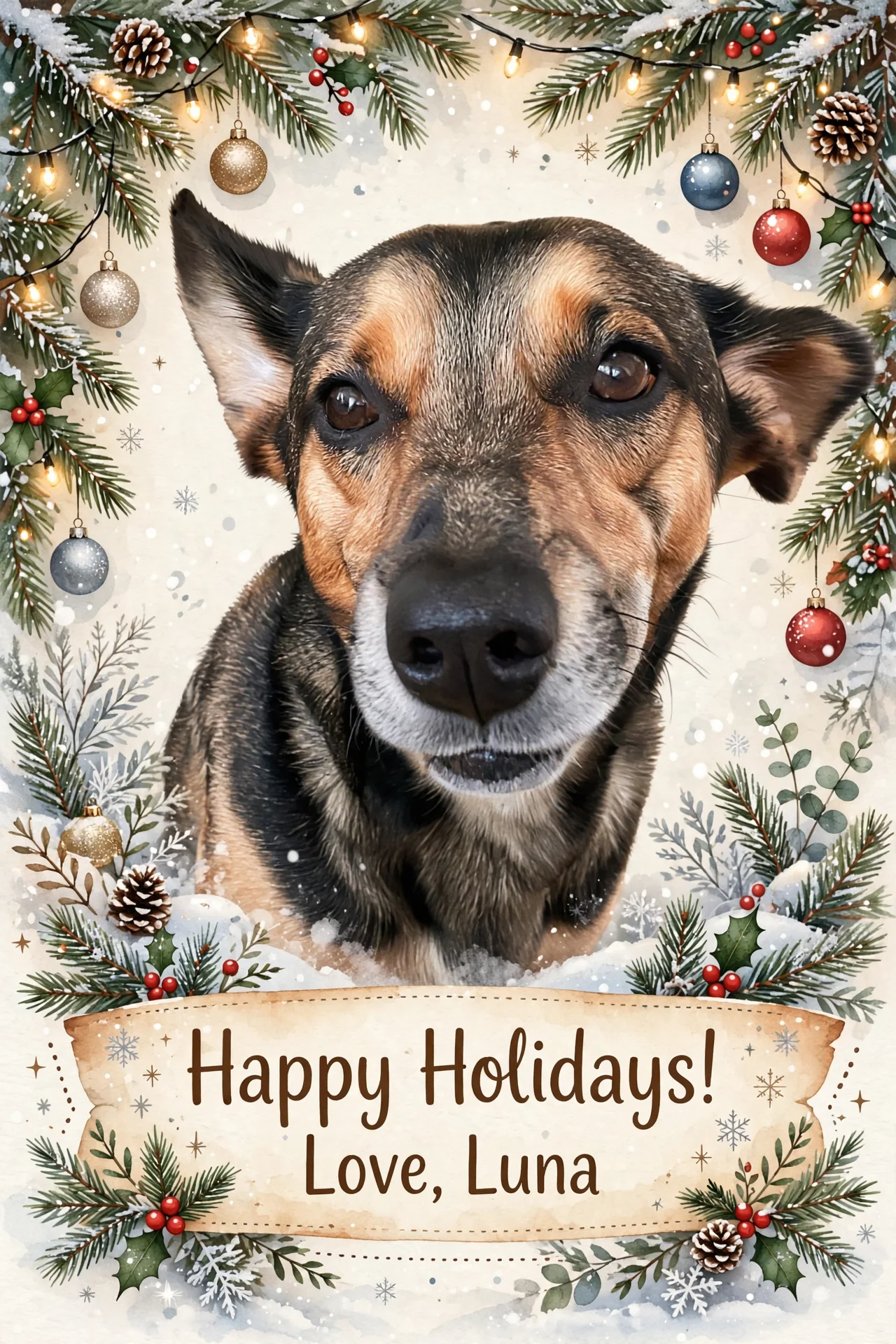
A person, a family and a pet turned into festive winter cards. Each photo above, its result below.

Pick a template, add your photo and get an image or video, without writing a prompt.
The template already holds the prompt. You add your photo and any details it asks for.
Templates make images or videos, and you can filter the list by either.
Templates use the same credit balance as the tools and the generator.
Every result is saved to your library, ready to download.
Give a favorite photo a festive setting with the Holiday Card from a Photo template. Upload one photo of a person, a family or a pet, add a greeting if you like, and get your card. The result is the front of a flat greeting card design that fills the image, not a photograph of a card on a table. Snow, pine garland, warm string lights and ornaments frame a cozy winter holiday scene without religious symbols, characters, brands or logos.
A family Christmas card can begin with a group photo, while a pet Christmas card starts with a picture of your companion. The template is built to keep the same number of subjects and make each one recognizable, using their face, hair, skin tone, fur, markings and expression as reference. Results can vary, so compare the finished image with your original. The examples on this page show a person, a family and a pet.
For your photo holiday card, choose a clear, well-lit photo with every face visible and facing the camera. Keep everyone in a group inside the frame, with nobody cut off at the edge. For a pet, make sure the eyes are visible too. Avoid blurry or heavily filtered photos: details that are clear in the original give the template a better reference for the people or animal you want to feature.
You can add a greeting of up to 40 characters or leave the field empty for a card without text, letters or numbers. The template is meant to letter your greeting as typed, including punctuation and accents, in one large, readable area. Check the spelling on the result before sharing. Choose vertical 2:3, the default, or horizontal 3:2. Your card is saved to your library, ready to download, and new accounts get free credits to try the template.
Choose a clear, well-lit photo with every face visible and facing the camera. Keep everyone in the frame without cutting anyone off at the edge, and make sure a pet’s eyes are visible. Avoid blurry or heavily filtered photos.
The template is built to keep the same number of subjects and use their features and expressions as references, so each is meant to remain recognizable. Compare the result with your original photo.
Yes. Leave the optional greeting empty for a card without text, letters or numbers. If you add a greeting, it can be up to 40 characters; check its spelling on the result before sharing.
No. Download the finished image from your library to print it yourself or send it by message or email.
"Images with Nano Banana, Seedream or FLUX 3 Image. Videos with Seedance, Wan3.0 or Veo. The best models in one place."
119+ AI models
"You decide how much to spend. No mandatory subscriptions, no surprises on your card."
Credit control
"Full rights to everything you create. Use them for personal or commercial projects."
Your content