Restore Old Photos.

Repair scratches, creases and fading in old family photos, recover lost detail, and add natural color or keep the original black and white.

Upload your image

Drag or click to select an image

Tip: 2:3 images work best for this template!
Restore Old Photos

How to restore an old photo in 3 steps.

  1. Upload the old photo

    Add a photo or a scan of the old picture.

  2. Choose the color

    Restore and colorize it, or restore it and keep the black and white.

  3. Get your result

    Generate with one click and see your restored photo right on the page.

See it work

Old photos, made new.

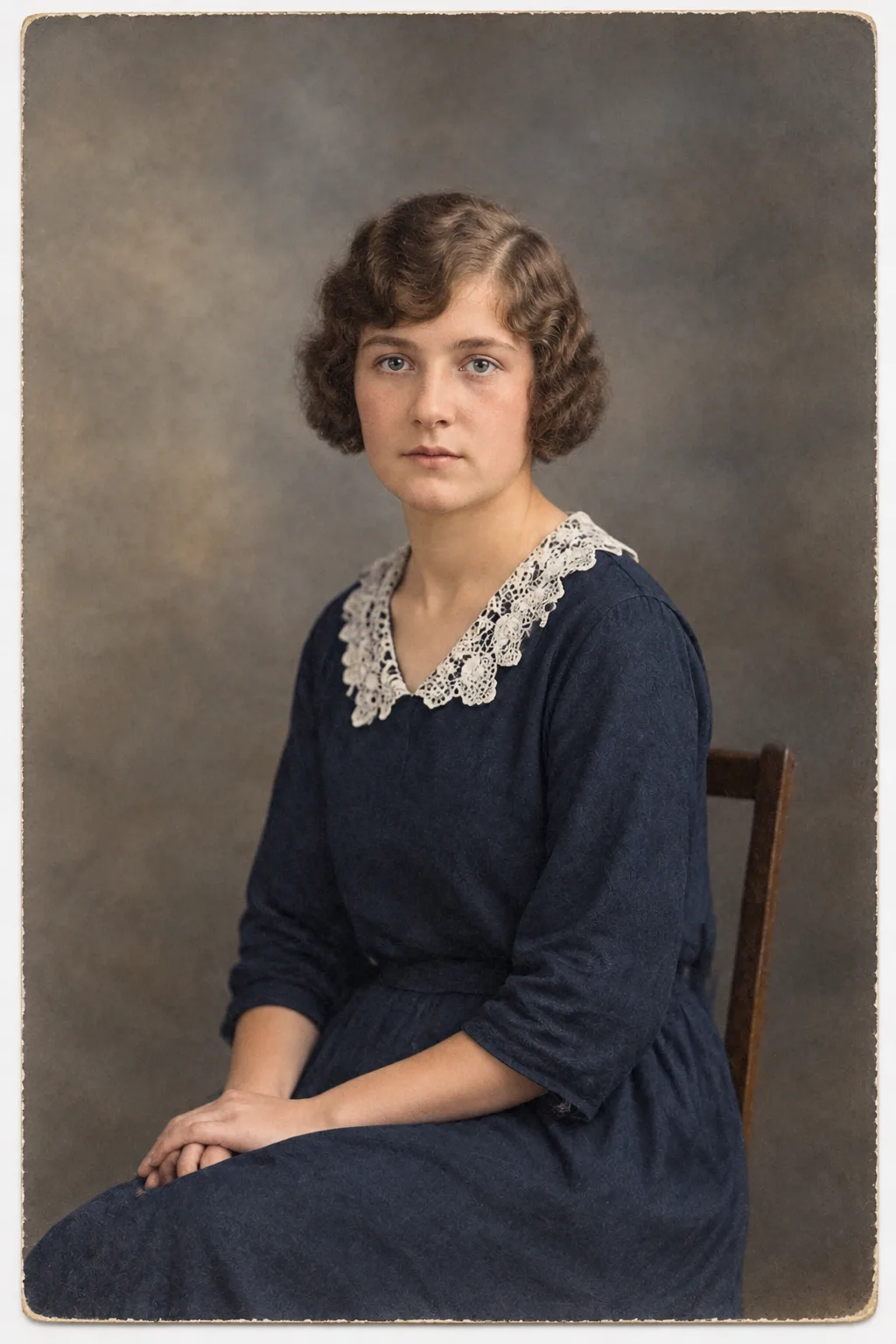
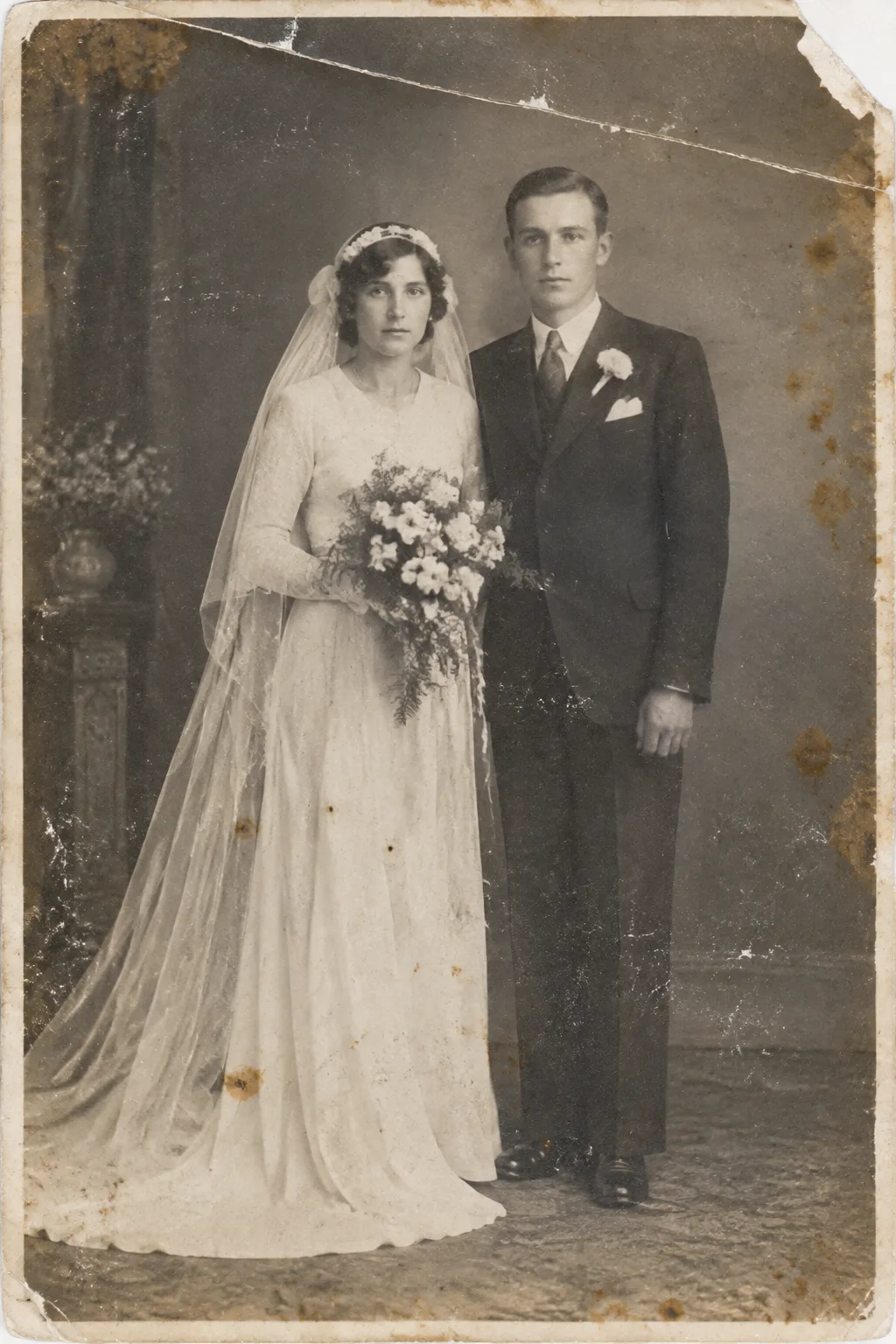
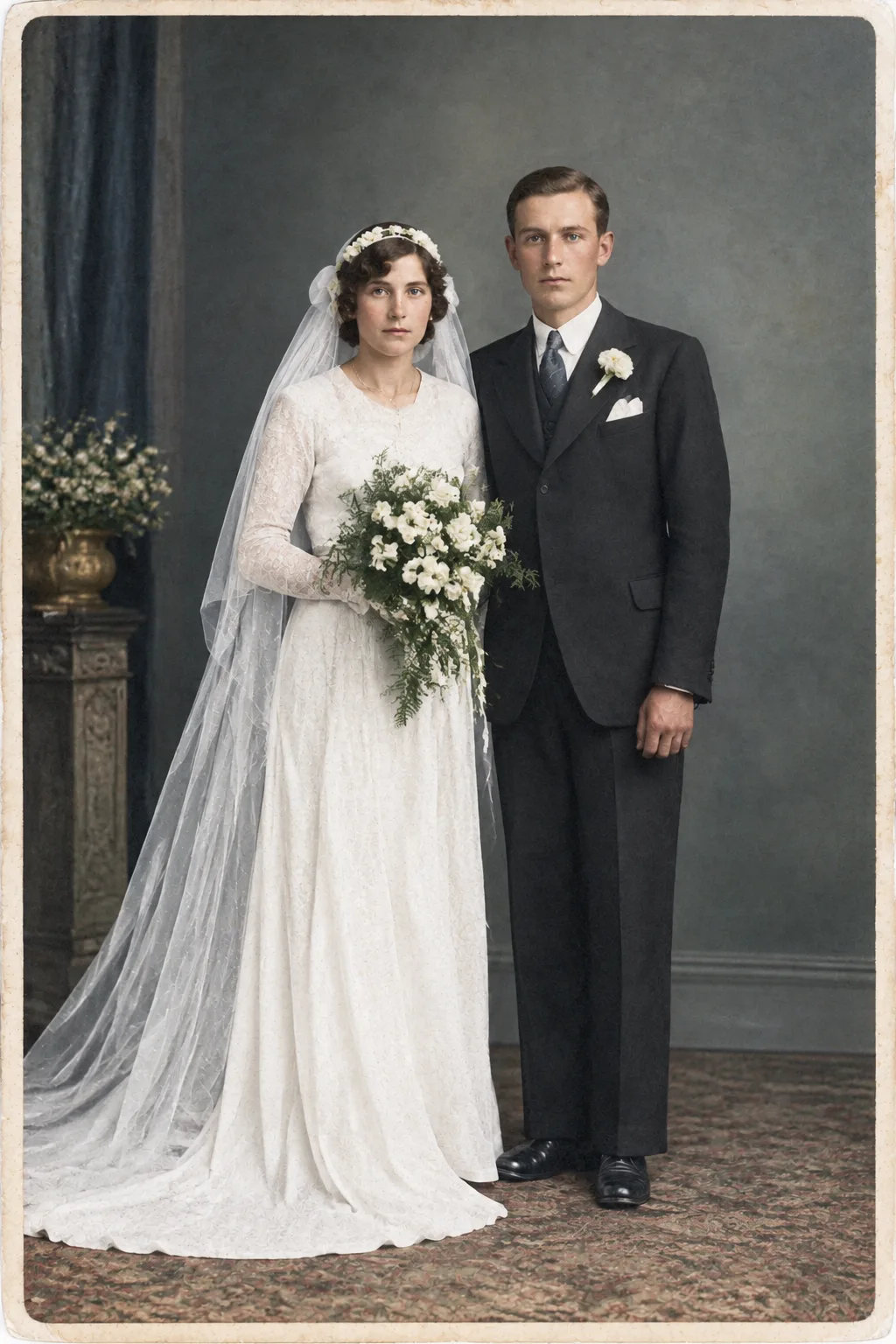
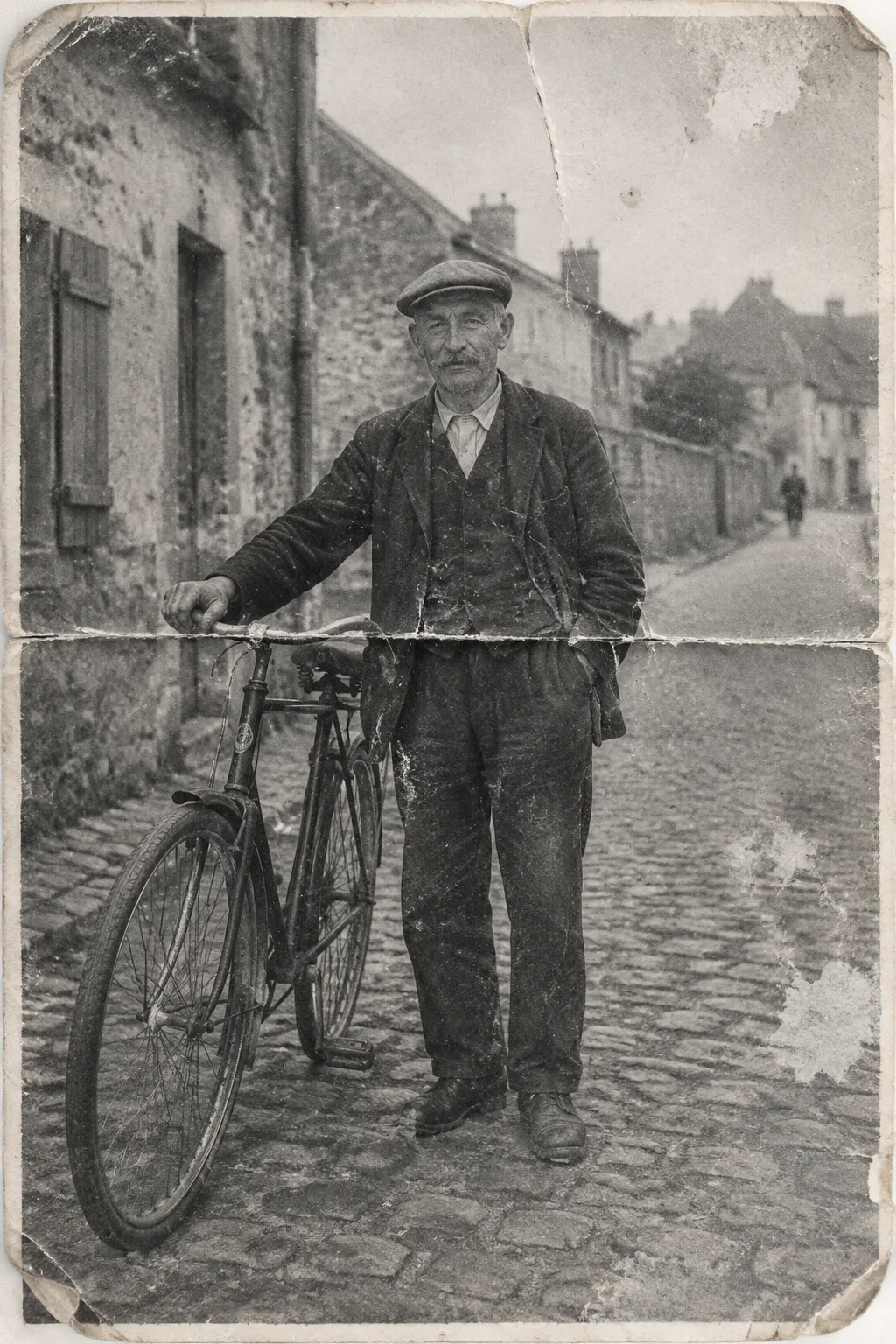
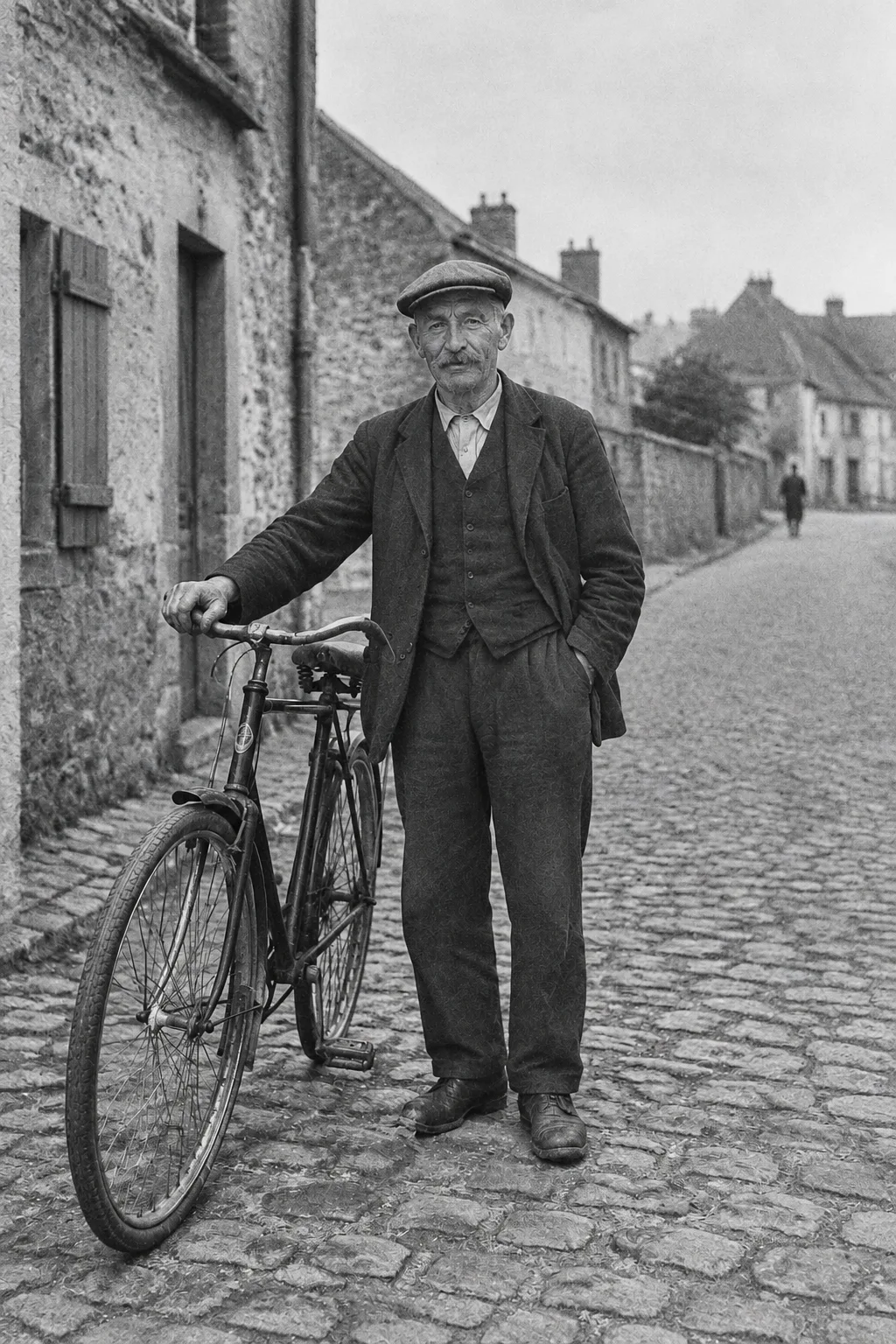
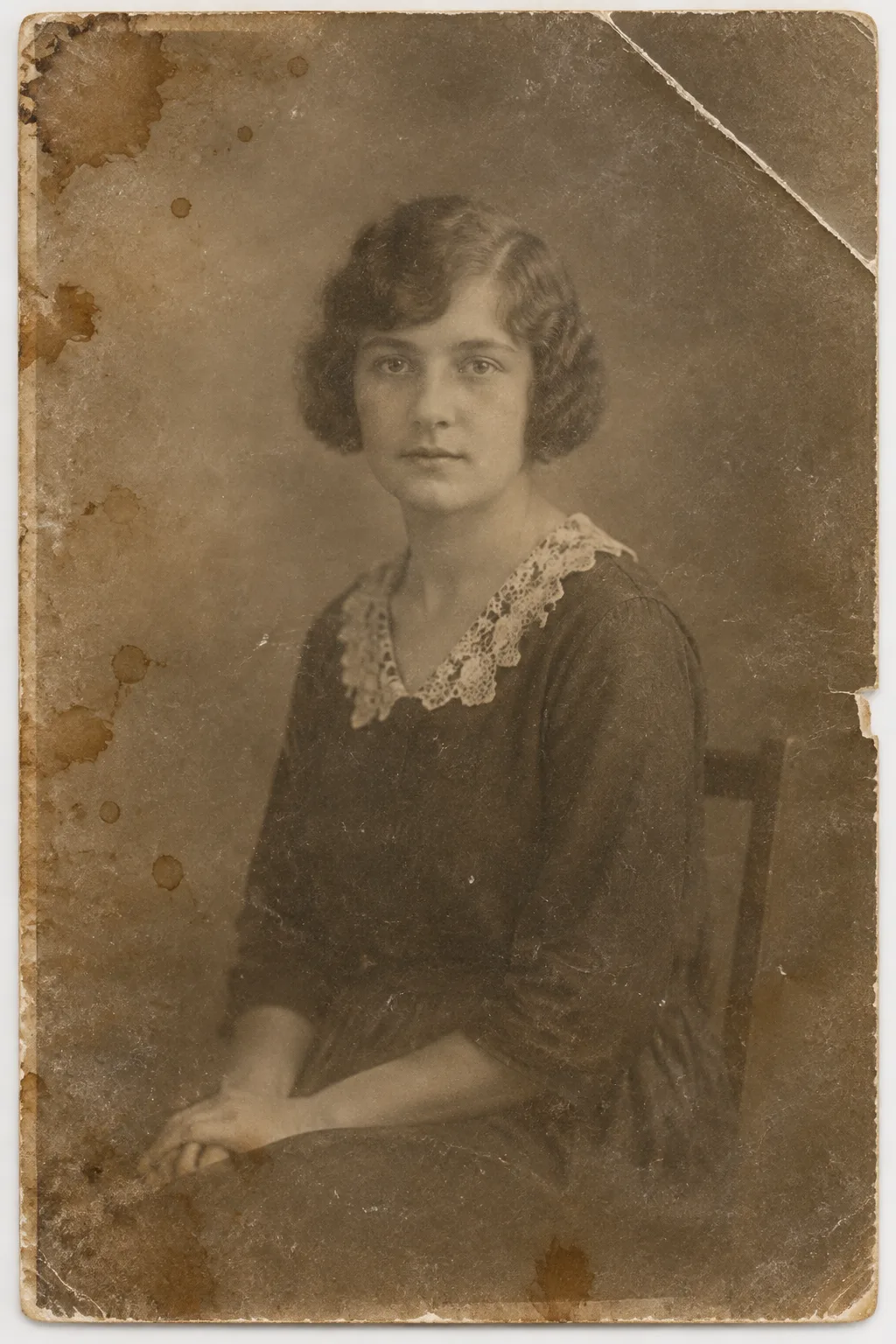
Three old photographs, each restored with scratches and fading removed, in color or in black and white. Each photo above, its result below.

  • Faded, stained 1920s sepia studio portrait of a seated young woman with short wavy hair, a dark dress and a lace collar, with a creased corner
    The same portrait restored and colorized, with a clean background, a navy dress, a cream lace collar, natural skin tones and the same pose and expression
  • Faded, scratched 1930s black and white wedding portrait of a bride in a long white dress and veil holding a bouquet beside a groom in a dark suit, with a torn corner and brown stains
    The same wedding portrait restored and colorized, with a white dress and veil, a dark suit, a cream bouquet, a green-gray studio backdrop and the same poses and faces
  • Cracked 1940s black and white photo of an older man with a mustache and a flat cap beside a bicycle on a cobblestone village street, with a fold line across it
    The same photo restored in black and white, with the crack and the fold removed, sharp cobblestones and stone houses, and the same man and bicycle
Core features

Start from a finished look.

Pick a template, add your photo and get an image or video, without writing a prompt.

  • No prompt writing

    The template already holds the prompt. You add your photo and any details it asks for.

  • Images and videos

    Templates make images or videos, and you can filter the list by either.

  • Same credits

    Templates use the same credit balance as the tools and the generator.

  • In your library

    Every result is saved to your library, ready to download.

Plans and pricing

GENERATE MORE. PAY LESS.

Free

$0
300 welcome credits + 50/day
  • 1 generation at a time
  • 300 welcome credits
  • 50 daily credits
  • All basic models
  • Community support
Create account

Starter

$3.19/mo
4,500 credits/month
  • 5 generations at a time
  • All premium models
  • Commercial license
Get started
Popular

Pro

$6.39/mo
10,000 credits/month
  • 20 generations at a time
  • All premium models
  • Commercial license
  • Priority generation
  • Priority support
Get started

Max

$11.99/mo
20,000 credits/month
  • Unlimited generations at a time
  • All premium models
  • Commercial license
  • Priority generation
  • Priority support
Get started
WHY GENESO

"Images with Nano Banana, Seedream or FLUX 3 Image. Videos with Seedance, Wan3.0 or Veo. The best models in one place."

— 12+ AI models

"You decide how much to spend. No mandatory subscriptions, no surprises on your card."

— Credit control

"Full rights to everything you create. Use them for personal or commercial projects."

— Your content

FAQ

WE HAVE ANSWERS.

Start creating today.

300 welcome credits. No credit card required.

Create free account