What Recraft V4.1 Pro is good at.
Recraft V4.1 Pro comes from Recraft, an independent AI lab. Recraft released the V4.1 family on May 14, 2026. The family has nine versions, and Recraft says the Pro models deliver higher resolution and finer detail for large, print-ready visuals. On Geneso, V4.1 Pro always generates at 2K, from 2048 x 2048 for a square image.
Recraft’s pitch for V4.1 is taste. It describes photorealism that is quieter and more realistic, with more natural photos of people and less clutter in the background. It also says the model reads short prompts well: a few words can be enough for a considered composition. That makes it a good fit for product shots, editorial photos and lifestyle images where restraint matters more than spectacle.
Illustration and lettering are the other half. Recraft highlights bold flat illustration, smoother gradients, 3D renders with natural reflections, and expressive logos and typography. Runware describes V4.1 Pro as tuned for larger, more polished final assets, with cleaner icon and logo output. Use it for posters, packaging art, wordmarks and campaign key visuals.
Two limits are worth knowing before you start. On Geneso, V4.1 Pro works from text only, without reference images, and it returns a raster image, not an editable vector. Recraft has separate Vector models for that. If you need an SVG, run the result through Geneso’s vectorizer in the image tools.
How to use Recraft V4.1 Pro on Geneso.
Open the image generator. The buttons on this page preselect Recraft V4.1 Pro, and you only need a Geneso account: no Recraft account or API key. You can write prompts in Spanish too; Geneso works in English and Spanish.
- 01
Start short
Name the subject, the material and the kind of image, then generate. Recraft designed V4.1 to fill gaps with taste, so a five-word prompt is a fair first try. Add detail only where the first result misses: palette, light, camera angle or the exact words of a logo.
- 02
Choose the format
Pick one of 14 aspect ratios, from square and 4:5 for social posts to 16:9, 2:1 and their vertical versions for banners and posters. Every size is 2K, so there is no resolution choice to make.
- 03
Check credits, generate and review
Check the credit estimate first, and compare it with the other models in the table below. You can draft ideas with another model and use Pro for the final. Check lettering letter by letter before you use it.
Prompt tips and examples.
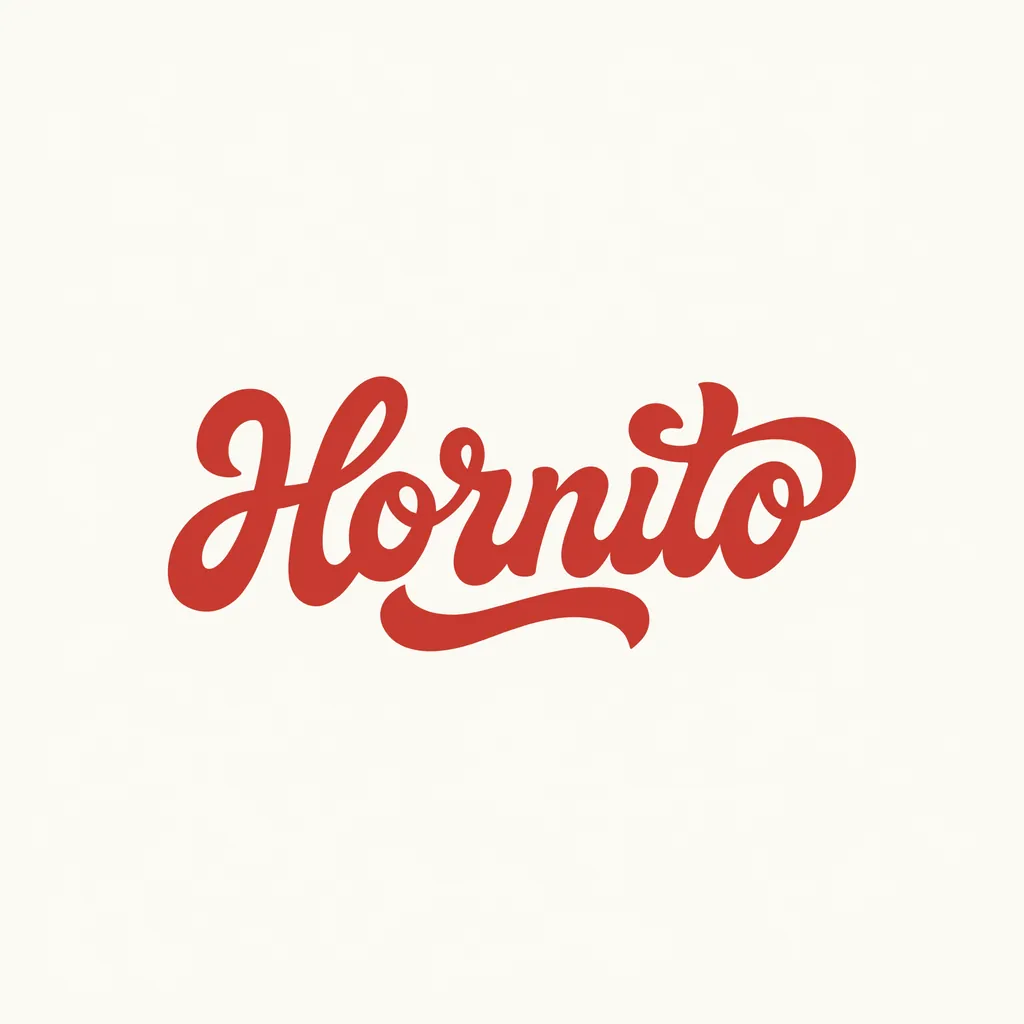
All four takes were made on Geneso at the default size, 2048 x 2048, each on the first try. The teapot prompt is only eight words, to test how the model reads a short brief. The cyclist poster asks for flat color blocking and negative space. The bakery wordmark tests lettering: one word, one color and a looping tail on the final letter. The chrome ribbon tests 3D and gradients from a 13-word prompt.
Notice the difference in length. The photo needed almost nothing, while the logo spells out the palette, the flat fills and what to leave out. For lettering, quote the word, describe the letterforms and list what you do not want.

- Take
- 02
- Size
- 2048 × 2048
- Aspect
- 1:1
- credits
- 350
An eight-word prompt
Generated
Original prompt
Ceramic teapot on linen, morning light, close-up photo
- Take
- 03
- Size
- 2048 × 2048
- Aspect
- 1:1
- credits
- 350
Flat illustration and negative space
Generated
Original prompt
Flat illustration poster of a cyclist riding through a field of sunflowers under a big summer sky. Bold color blocking, clean shapes, smooth flat fills, warm yellow, teal and coral palette, playful and calm, plenty of negative space. No text.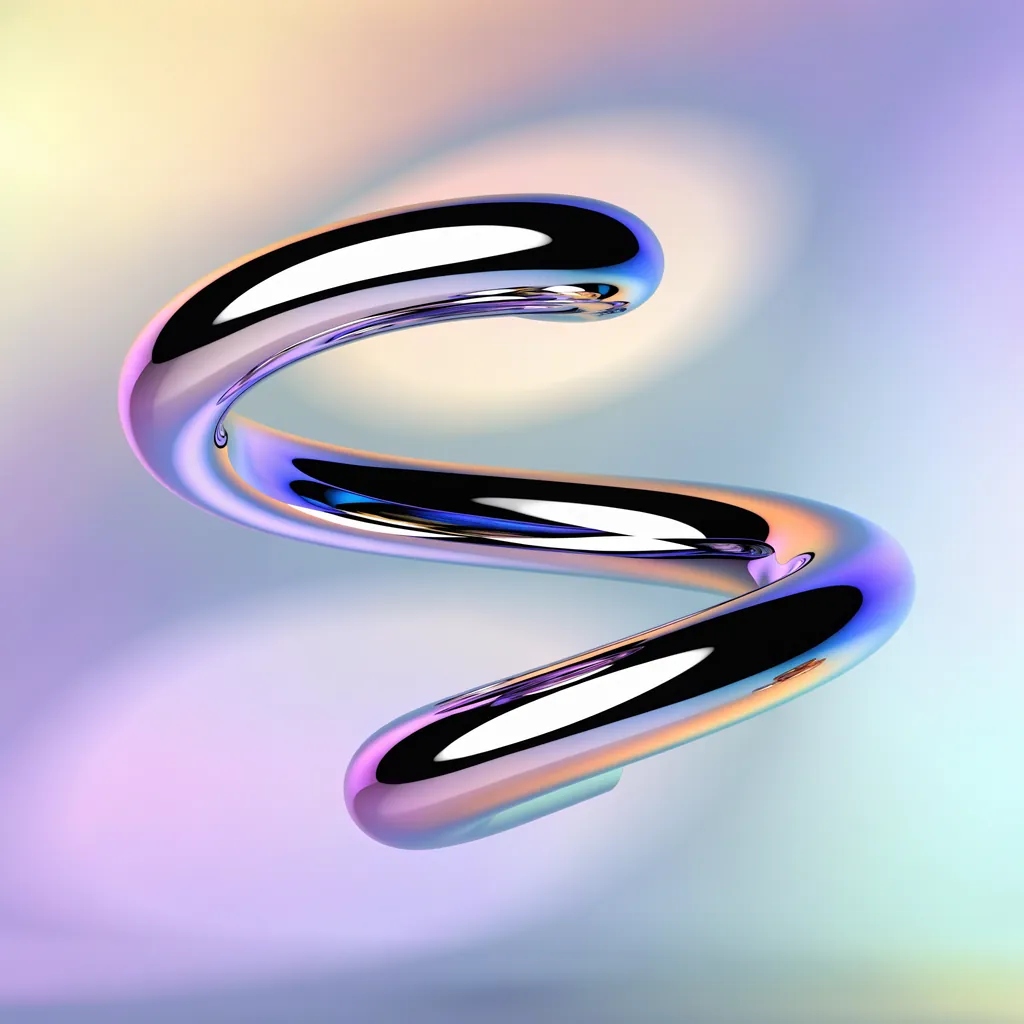
- Take
- 04
- Size
- 2048 × 2048
- Aspect
- 1:1
- credits
- 350
Chrome 3D and a soft gradient
Generated
Original prompt
Glossy chrome 3D ribbon loop floating over a soft pastel gradient, studio lightRecraft V4.1 Pro vs Ideogram 4.0 and FLUX 3.
The table puts Recraft V4.1 Pro next to its faster sibling, V4.1, and two other image models on Geneso, using the current catalog. Credits are for one image at each model’s default settings, so compare the sizes too. Geneso also offers Recraft V4.1 Flash and Recraft V4 Pro.
A common workflow is to explore with V4.1 or V4.1 Flash and switch to Pro for the image you keep. For a closer look, read the pages on Ideogram 4.0, FLUX 3 and Nano Banana 2.1, which accepts reference images. Geneso vs Krea answers a different question: which platform to work in.
Credits and pricing on Geneso.
One square 2K image costs 350 credits. The generator shows the estimate for your settings before you generate.
Recraft V4.1 Pro is available on the Free plan. The Free plan includes 300 welcome credits and 50 daily credits.
Starter is $3.99 per month with 4,500 monthly credits; Pro is $7.99 with 10,000; Max is $14.99 with 20,000. See pricing for the current plans. Credits do not expire, and paid plans add their monthly allowance to your balance.
Geneso currently offers 108 available models, including 63 image models and 45 video models. Explore the home page for the full catalog.
Frequently asked questions.
Who made Recraft V4.1 Pro?
Recraft made it. The V4.1 family was released on May 14, 2026, and Pro is its higher-resolution raster version. Geneso provides access through Runware; it is not the maker of the model.
Where can I use Recraft V4.1 Pro online?
You can use it in the Geneso generator in your browser. Sign in to Geneso, keep the model selected and enter your prompt. You do not need a Recraft account or an API key. The interface is in English and Spanish.
Is Recraft V4.1 Pro free to try on Geneso?
Recraft V4.1 Pro is available on the Free plan. One square 2K image costs 350 credits. The Free plan includes 300 welcome credits and 50 daily credits.
What is it good at compared with Ideogram 4.0 and FLUX 3?
Consider Recraft V4.1 Pro for polished final images at 2K: calm photorealism, flat illustration, 3D renders, logos and lettering, often from short prompts. Those are the strengths Recraft highlights. It does not take reference images on Geneso. Use the table to compare the largest size, aspect ratios, credits and plan access, then run the same prompt on each model.
What resolutions and aspect ratios does it support?
Every image is 2K. Geneso offers 14 aspect ratios: 1:1, 2:1, 1:2, 3:2, 2:3, 4:3, 3:4, 5:4, 4:5, 16:9, 9:16, 14:10, 10:14 and 6:10. A square image is 2048 x 2048, and a 16:9 image is 2688 x 1536.
Can I use the images commercially?
Paid Geneso plans include a commercial license; the Free plan does not. Geneso’s terms say your content belongs to you, subject to the license terms of each model. Review the plan details and the model terms before using an image in paid work.
Sources.
- Recraft: Recraft V4.1, More Beautiful by Nature
Accessed
- Recraft docs: Recraft V4.1
Accessed
- Recraft: V4.1 Utility Pro press release
Accessed
- Runware: Recraft V4.1 Pro
Accessed