What Nano Banana 2.1 is good at.
Nano Banana 2.1 is an image model from Google, published on October 6, 2026. It updates Nano Banana 2 and keeps that model’s speed while Google reports better visual quality, closer prompt adherence, steadier characters across edits and cleaner text. Google positions it as the efficient counterpart to Nano Banana Pro, so it suits work where you generate many versions and keep the best one.
Text is the clearest reason to pick it. Google lists improved text rendering and more accurate infographic layouts, which helps with posters, signs, menus, labels and step diagrams. Put every word you want in quotes and say where it goes. Google still advises checking text in every image, and notes that spelling, fine details and small faces can still come out wrong.
Nano Banana 2.1 also works from references. You can add up to 14 images, and Google says it keeps up to four characters and up to ten objects consistent. That makes it practical for a product shown in new settings, a character across a series or a layout that follows a brand board. It can also ground an image in Google web and image search, which helps when the subject is a real place or something recent.
It covers a wide range of shapes. Geneso offers 14 aspect ratios, from square and portrait to 21:9 and extreme banners at 4:1, 8:1 and their vertical versions, at 1K, 2K or 4K. Google says this release fixed the tiling artifacts that the 1:4, 4:1, 1:8 and 8:1 formats could show at 2K and 4K.
How to use Nano Banana 2.1 on Geneso.
Open the image generator. The buttons on this page preselect Nano Banana 2.1, and you only need a Geneso account: no Google account or API key. You can write prompts in Spanish too; Geneso works in English and Spanish.
- 01
Describe the image
Start with the subject and the job of the image: a poster, a product photo, a diagram. Then add the style, the light and the layout. For text, quote the exact words and say where each line sits, for example a title at the top and four labeled steps below it.
- 02
Choose the format and references
Pick an aspect ratio for the placement and a size: 1K for drafts, 2K or 4K for finals and print. Add reference images when a person, product or style must stay the same. Turn on search when the image depends on a real place or current facts.
- 03
Check credits, generate and review
The generator shows the credit estimate for your settings before you start. Read every word in the result and zoom in on faces and small details. To refine, change one thing at a time, or add the image you like as a reference and describe the change.
Prompt tips and examples.
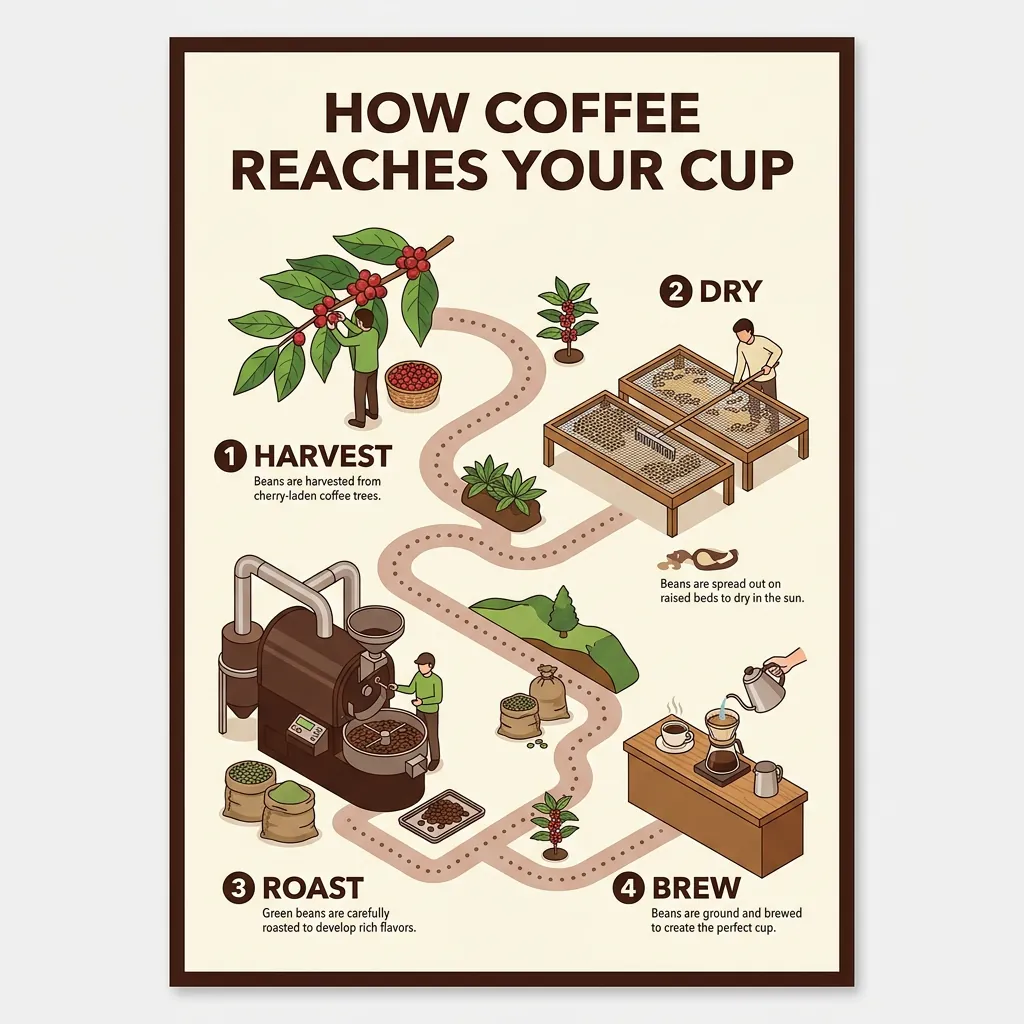
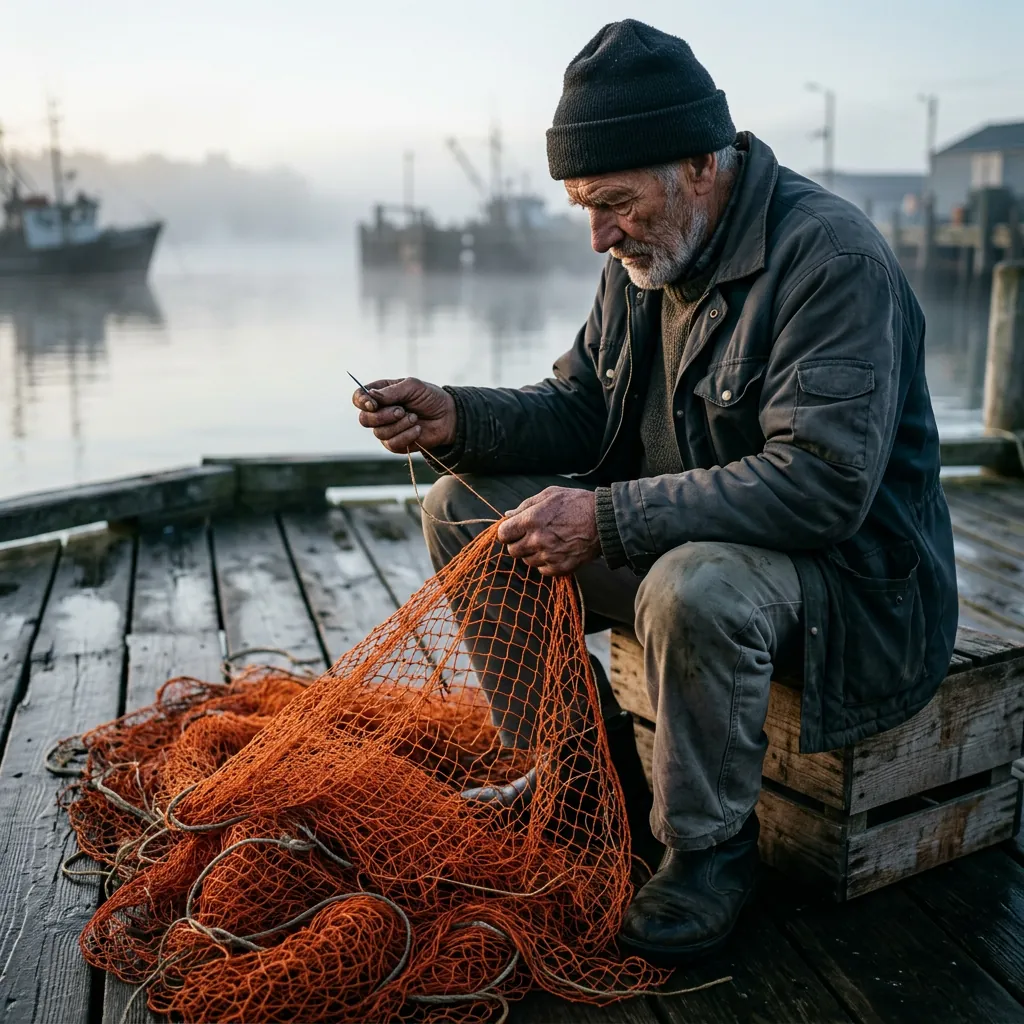
All four takes were made on Geneso at the default square 1K size, each on the first try. The coffee poster tests layout and text: a title, four numbered steps and a caption under each. The fisherman tests realism with one strong color in a muted scene. The bakery sign mixes English instructions with Spanish words on the board, including an accent, and the mug puts a single word on a product.
Notice what the prompts have in common. Each one names the subject first, quotes every word that must appear, gives a short palette and ends with what to leave out. Copy a prompt, change the subject and keep that structure.
- Take
- 02
- Size
- 1024 × 1024
- Aspect
- 1:1
- credits
- 57
Realism with one strong color
Generated
Original prompt
Candid documentary photo of an elderly fisherman mending a bright orange net on a weathered wooden dock at dawn. Low mist over the harbor, soft side light, natural skin texture with deep wrinkles, calloused hands in sharp focus, shallow depth of field, muted blues with the orange net as the only strong color. No text.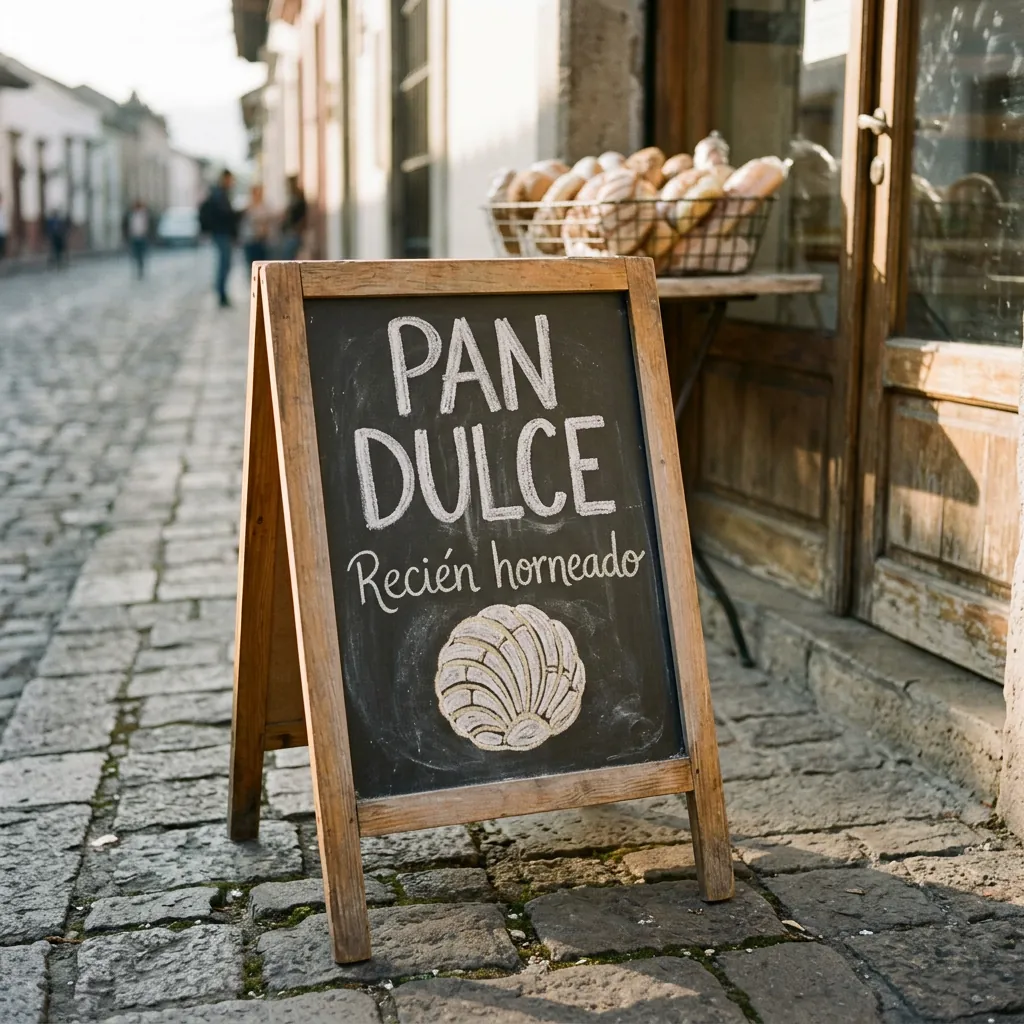
- Take
- 03
- Size
- 1024 × 1024
- Aspect
- 1:1
- credits
- 57
Spanish words on a sign
Generated
Original prompt
A hand-painted chalkboard sign standing outside a small bakery on a cobblestone street in the morning. The sign reads "PAN DULCE" in large white letters, with "Recién horneado" underneath in smaller script and a simple chalk drawing of a concha. Warm sunlight, a basket of bread blurred in the background, realistic photo, every letter crisp and correctly spelled.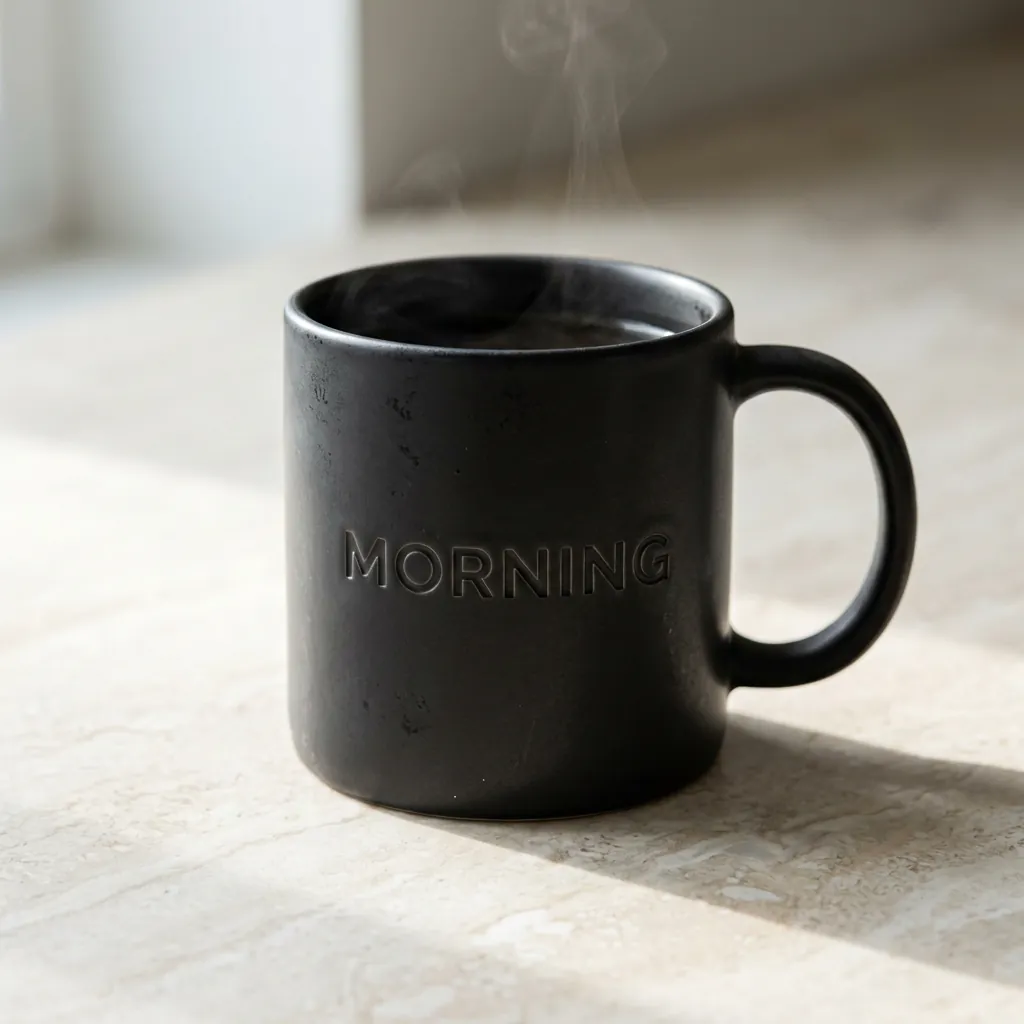
- Take
- 04
- Size
- 1024 × 1024
- Aspect
- 1:1
- credits
- 57
Text on a product
Generated
Original prompt
Studio product photo of a matte black ceramic coffee mug on a pale stone counter, with the word "MORNING" debossed in clean capital letters on its side and a thin wisp of steam rising. Soft window light from the left, gentle shadow, minimal composition, realistic glaze texture, every letter sharp and correctly spelled.Nano Banana 2.1 vs GPT Image 2.5 and FLUX 3.
The table compares Nano Banana 2.1 with Nano Banana Pro and two other image models on Geneso, using the current catalog. Credits are for one image at each model’s default settings, so compare the sizes too. Geneso also offers Nano Banana 2 and Nano Banana 2 Lite in the same family.
Compare models with the same prompt and size, and judge the result for your use. For a closer look, read the pages on GPT Image 2.5, FLUX 3 and Seedream 5.0 Pro, another strong choice for infographics. Geneso vs Krea answers a different question: which platform to work in.
Credits and pricing on Geneso.
One square 1K image costs 57 credits. A square 2K image costs 85 and a square 4K image costs 190. Reference images and search add to the total. The generator shows the estimate for your settings before you generate, so start at 1K and move up for the final version.
Nano Banana 2.1 is available on the Free plan. The Free plan includes 300 welcome credits and 50 daily credits.
Starter is $3.99 per month with 4,500 monthly credits; Pro is $7.99 with 10,000; Max is $14.99 with 20,000. See pricing for the current plans. Credits do not expire, and paid plans add their monthly allowance to your balance.
Geneso currently offers 108 available models, including 63 image models and 45 video models. Explore the home page for the full catalog, or use the image tools to remove a background, upscale or vectorize a result.
Frequently asked questions.
Who made Nano Banana 2.1?
Google made Nano Banana 2.1 and published it on October 6, 2026. In the Gemini API its name is gemini-nano-banana-2.1, and it updates Nano Banana 2. Geneso provides access through Runware; it is not the maker of the model.
Where can I use Nano Banana 2.1 online?
You can use it in the Geneso generator in your browser. Sign in to Geneso, keep the model selected and enter your prompt. You do not need a Google account or an API key. The interface is in English and Spanish.
Is Nano Banana 2.1 free to try on Geneso?
Nano Banana 2.1 is available on the Free plan. One square 1K image costs 57 credits. The Free plan includes 300 welcome credits and 50 daily credits.
What is it good at compared with GPT Image 2.5 and FLUX 3?
Consider Nano Banana 2.1 for images with legible text, infographics, consistent characters and products from up to 14 references, and images grounded in web search. Those are the strengths Google highlights. Use the table to compare the largest size, aspect ratios, credits and plan access, then run the same prompt on each model.
What resolutions and aspect ratios does it support?
On Geneso, Nano Banana 2.1 generates at 1K, 2K or 4K in 14 aspect ratios: 1:1, 3:2, 2:3, 4:3, 3:4, 4:5, 5:4, 16:9, 9:16, 21:9, 4:1, 1:4, 8:1 and 1:8. A square image is 1024 x 1024 at 1K and 4096 x 4096 at 4K.
Can I use the images commercially?
Paid Geneso plans include a commercial license; the Free plan does not. Geneso’s terms say your content belongs to you, subject to the license terms of each model. Review the plan details and the model terms before using an image in paid work.