What GPT Image 2.5 is good at.
OpenAI announced GPT Image 2.5 alongside ChatGPT Images 2.5. The family includes Flare and Sunburst, both of which accept text and image inputs and produce images. This page covers the family, while its generator links select Sunburst. You can choose Flare separately in Geneso when its positioning better fits your workflow.
OpenAI describes more natural lighting and richer textures, better preservation of subjects from reference photos, and more reliable editing instructions across multiple turns compared with its earlier Images model. Those are the maker’s descriptions, not guarantees for every image. Inspect the subject, the background and any text in the output before relying on it.
OpenAI calls Flare its fast default for everyday generation. It positions Sunburst as its most capable image generation and editing model for workflows where editing precision matters most, with longer generation times. The choice is about the trade-off you need for a particular task, not a promise that a single model will suit every prompt.
Sunburst is a model, not a quality level. On Geneso, Low, Medium and High are separate quality settings. You can use references to guide an image or an edit and explain in the prompt what should change and what should remain. For a new image, start with the subject and visual treatment before adding details.
How to use GPT Image 2.5 on Geneso.
Open the image generator with Sunburst selected by this page. You can write prompts in Spanish or English and do not need a separate OpenAI account to use the model on Geneso.
- 01
Write a clear brief
Describe the subject, setting and style. For a product photograph, include the surface, material and light. For a card or poster, write the exact text and describe its placement. If editing an image, explain the requested change as well as the details you want to preserve.
- 02
Set the format and quality
Choose a supported square, landscape or portrait size and the quality available to your account. Sunburst and Flare are model choices, while Low, Medium and High are quality settings. You can provide up to sixteen reference images for visual guidance.
- 03
Review credits and generate
Check the estimate before generating. Inspect the result at its intended size, especially faces, textures and small text. If the first image misses your intent, revise the relevant instruction and compare the next result with the original brief.
Prompt tips and examples.
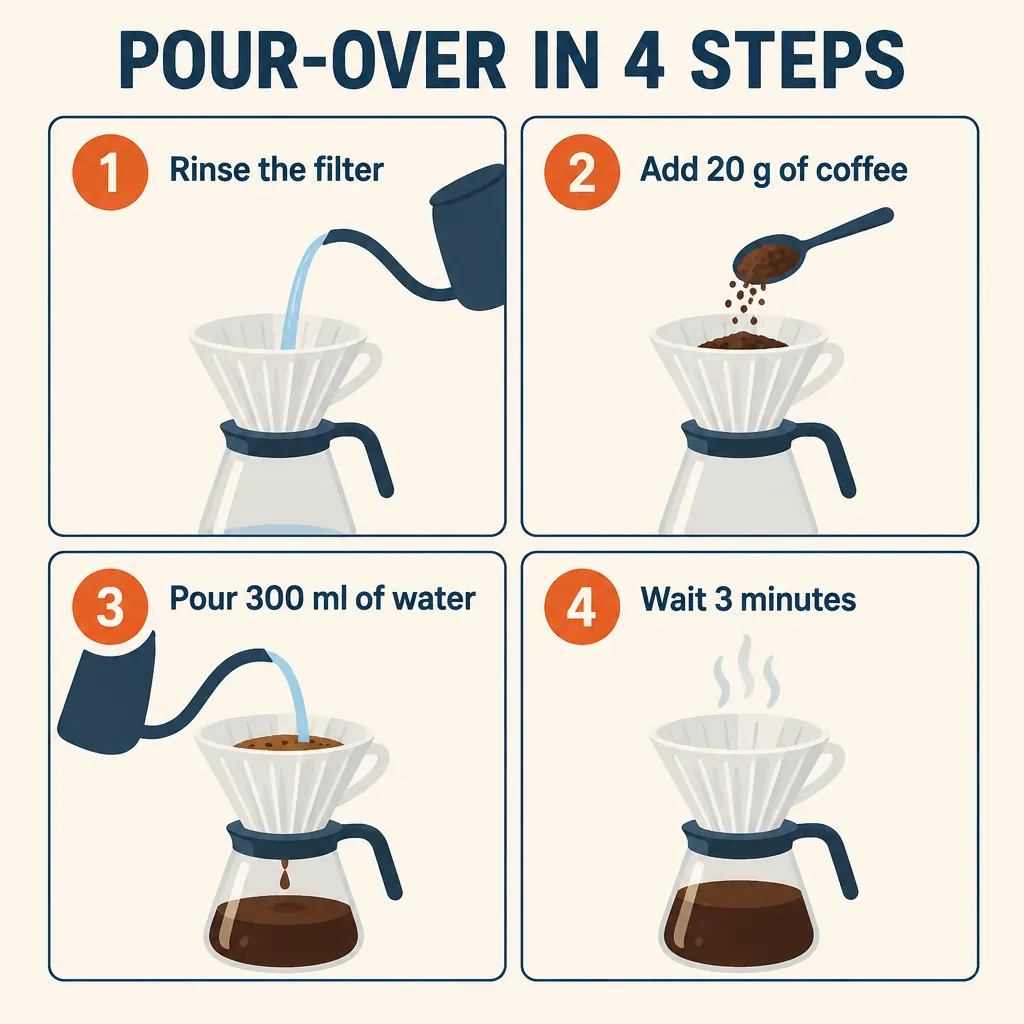
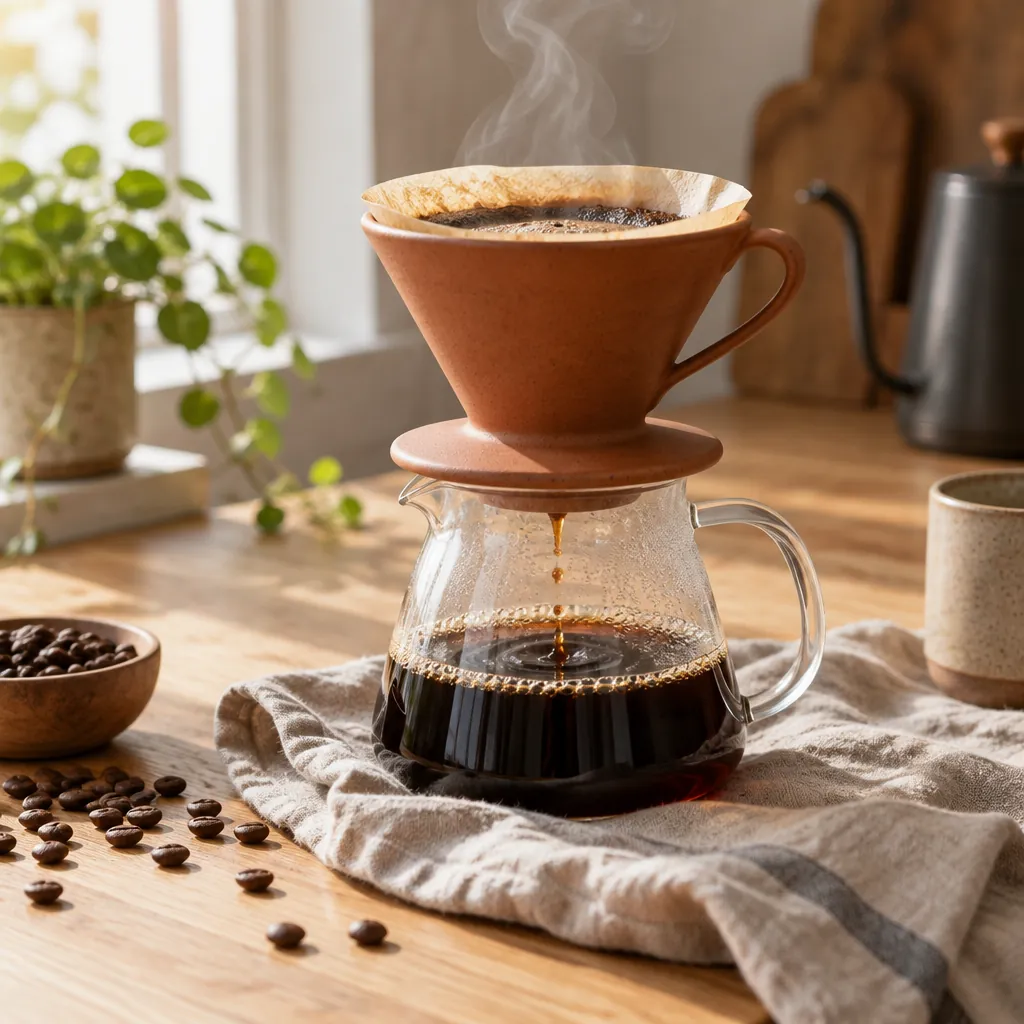
The recipe card in the hero asks for four panels with specific labels. In that Sunburst take, every requested label appeared. The coffee photograph asks for ceramic, glass, linen, steam and soft morning light. Compare the original prompts to see how a designed layout and a photographic subject need different instructions.
The fisherman take uses a documentary setting and calls attention to skin, rope and wood. The rooftop garden switches to an isometric illustration with clay-like materials. Each image records a single generation, so use it as evidence of that run rather than a guarantee of the next one.
When adapting a prompt, decide which detail must remain recognizable and which can vary. For an edit, state that distinction explicitly alongside the reference. For an image with lettering, quote the words and inspect them after generation. Small, focused changes between attempts make the effect of each revision easier to judge.
- Take
- 02
- Size
- 1024 × 1024
- Aspect
- 1:1
- credits
- 10
A coffee product photograph
Generated
Original prompt
Product photograph of a matte terracotta ceramic pour-over coffee dripper on a glass carafe, standing on a crumpled natural linen napkin. Soft morning window light from the left, a thin curl of steam, coffee beans scattered on a pale oak table. Shallow depth of field, rich natural textures, no text, no logos.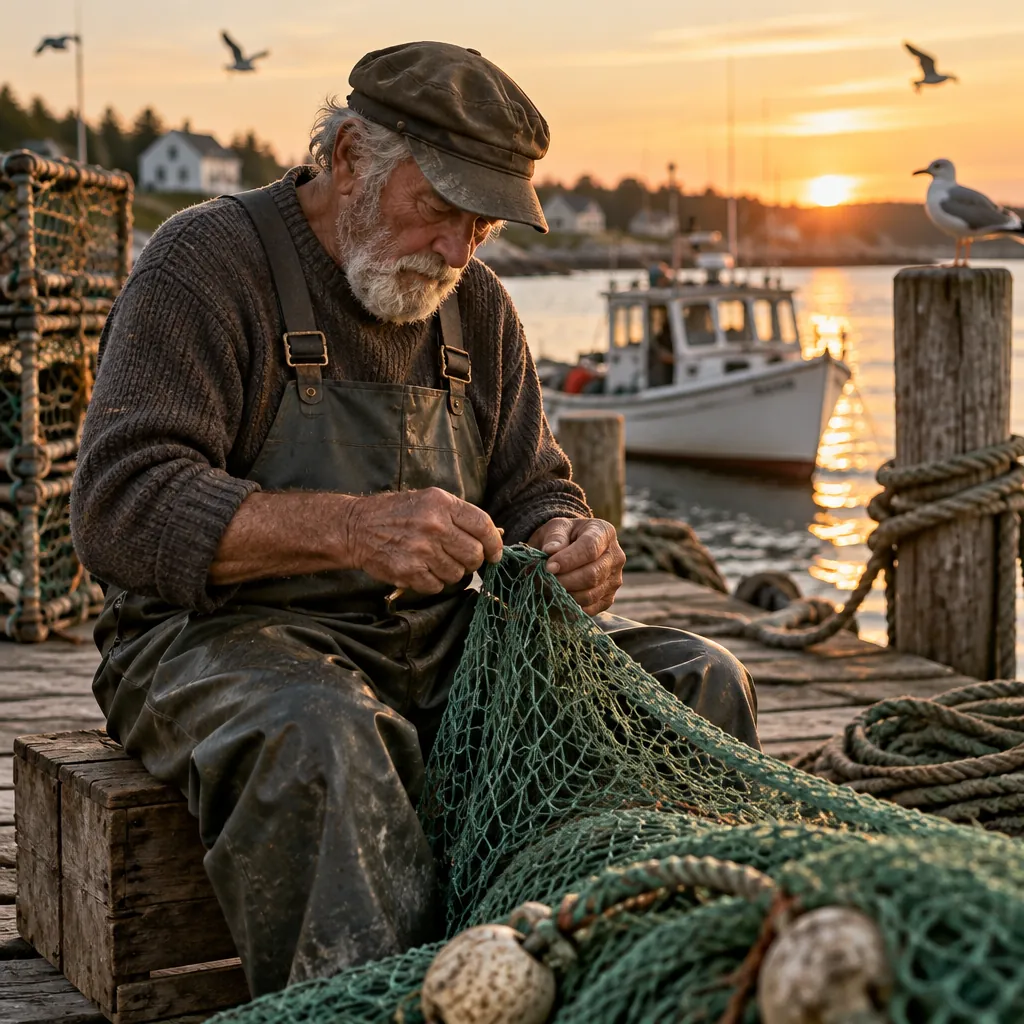
- Take
- 03
- Size
- 1024 × 1024
- Aspect
- 1:1
- credits
- 10
A fisherman at work
Generated
Original prompt
Environmental portrait of an elderly fisherman mending a green net on a wooden dock at golden hour. Weathered hands, detailed rope and wood grain, a small boat and gulls softly out of focus behind him. Warm, natural light, documentary photography, no text.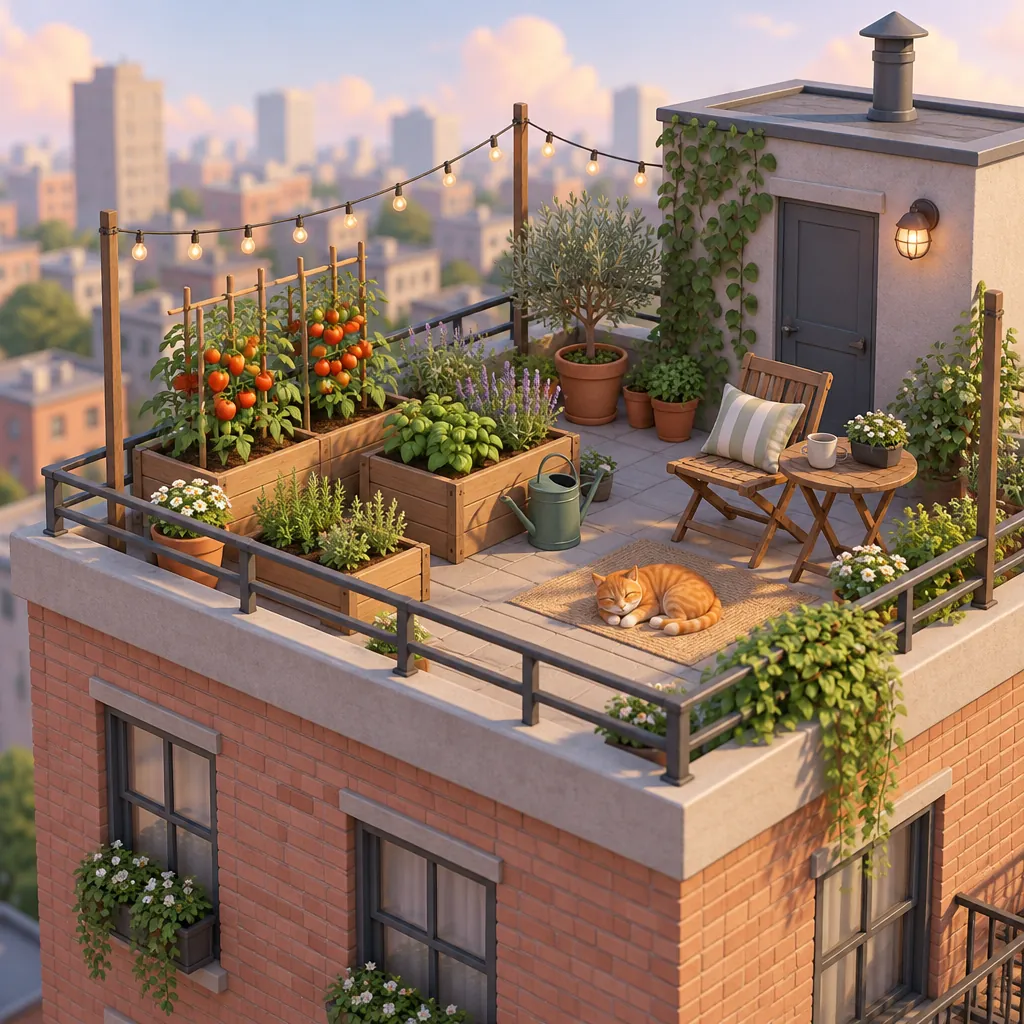
- Take
- 04
- Size
- 1024 × 1024
- Aspect
- 1:1
- credits
- 10
A rooftop garden
Generated
Original prompt
Isometric 3D illustration of a tiny rooftop garden on a city apartment building: raised wooden beds with tomatoes and herbs, a watering can, string lights, a folding chair and a small orange cat asleep in the sun. Soft clay-like materials, pastel sky, clean background, no text.Sunburst vs Flare and other image models.
The live table compares Sunburst, Flare, Nano Banana 2.1 and Seedream 5.0 Pro by largest size, aspect ratio count, default credits per image and plan access. Each default cost reflects that model’s own default request. The table describes available settings, not visual quality or a speed benchmark.
Explore FLUX 3 and Ideogram 4.0 for other approaches to an image brief. The Geneso vs Krea comparison addresses platform choice instead. For a practical model comparison, use a consistent prompt, record any setting differences and inspect the resulting images.
Credits and pricing on Geneso.
A Sunburst image with default settings costs 10 credits. Sunburst is available on the Free plan. The generator shows an estimate for your chosen request before generation. Review it again when you change the size or quality.
The Free plan includes 300 welcome credits and 50 daily credits. Free accounts use the smallest size and Low quality. A paid plan or any credit purchase unlocks larger sizes and higher quality. Compare the estimate with your balance before trying a prompt.
Starter costs $3.99 per month. See pricing for current plans. The Geneso catalog contains 63 image models if you want to explore more choices.
Frequently asked questions.
What is GPT Image 2.5 and who made it?
OpenAI made GPT Image 2.5, a family for image generation and editing. It includes Flare and Sunburst. OpenAI positions Flare as the fast default and Sunburst as the more capable option with longer generation times.
Where can I use GPT Image 2.5 online?
Use the Geneso generator. Links on this page select Sunburst, and you can choose Flare separately. Geneso provides access through Runware without requiring a separate OpenAI account.
Is GPT Image 2.5 free to try?
Sunburst is available on the Free plan. The Free plan includes 300 welcome credits and 50 daily credits. A default Sunburst image costs 10 credits. Check your balance and estimate.
What is it good at compared with its peers?
OpenAI highlights lighting, texture, reference subject preservation and editing instructions. Flare and Sunburst have different speed and capability positions. Compare the live table with Nano Banana 2.1 and Seedream 5.0 Pro, then test your own brief rather than assuming the same result for every task.
What image sizes does it support on Geneso?
Geneso offers square, landscape and portrait images. The live strip shows the current largest size and aspect ratio count, while the generator lists the available sizes. Free accounts use the smallest size and Low quality. A paid plan or any credit purchase unlocks larger sizes and higher quality.
Sources.
- OpenAI: Introducing ChatGPT Images 2.5
Accessed
- OpenAI: GPT Image 2.5 Sunburst
Accessed
- OpenAI: GPT Image 2.5 Flare
Accessed
- OpenAI: Image generation guide
Accessed
- Runware: GPT Image 2.5 Sunburst
Accessed
- Runware: Precision editing with GPT Image 2.5 Sunburst
Accessed