What GPT Image 2.6 can do.
OpenAI describes Flare as a fast option for layouts and product imagery, while Sunburst focuses on higher-quality generation and consistency across edits at medium or high quality. Results vary, so inspect the details.
Runware describes image generation and editing for both variants. OpenAI also describes animated GIFs and SVG export in its API; check the generator for the options available on Geneso.
How to use it on Geneso.
Open the image generator, choose a model, describe your image and select a size. This page opens Sunburst; select Flare in the generator to use that variant. Review the estimate before generating.
Examples and prompt tips.
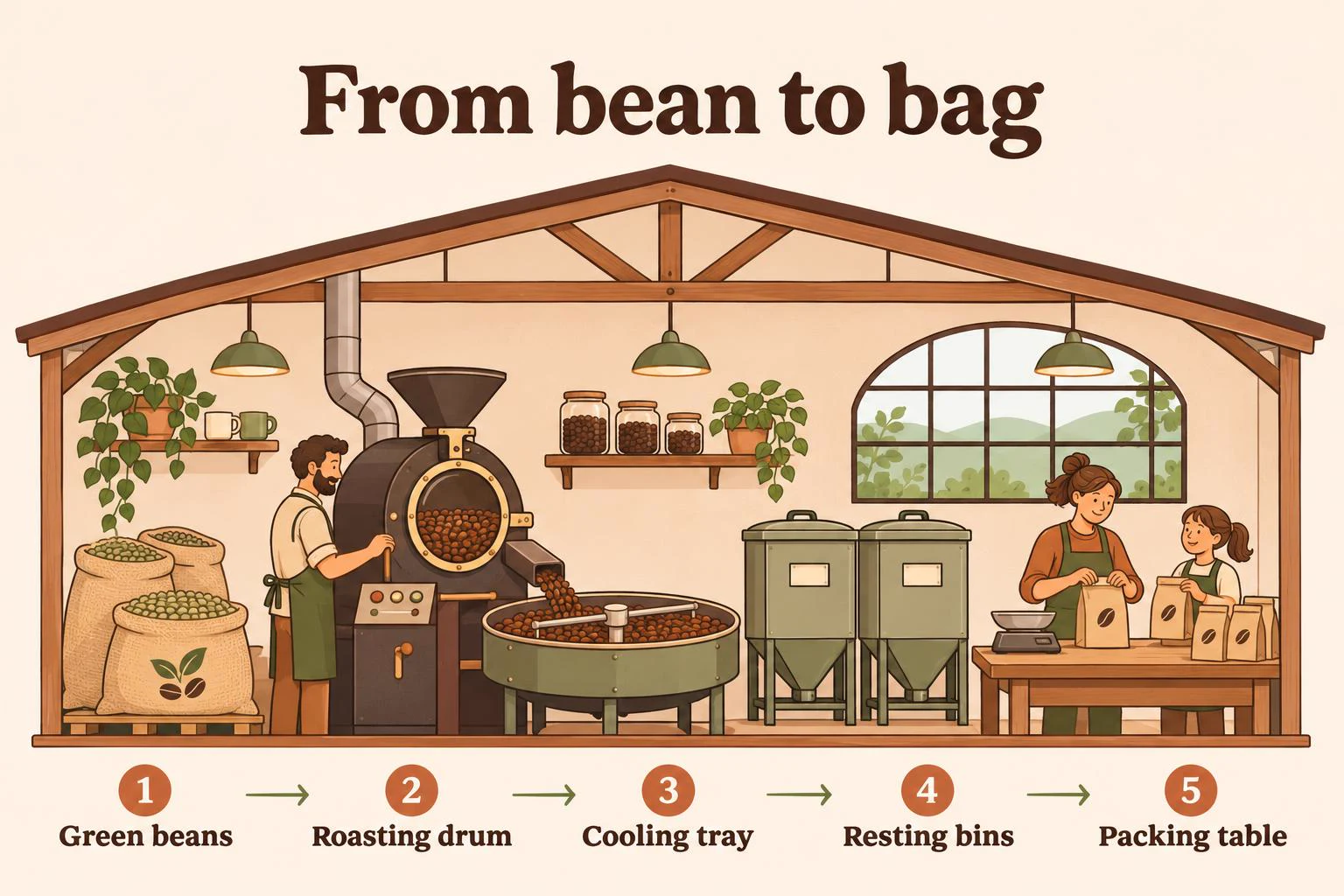
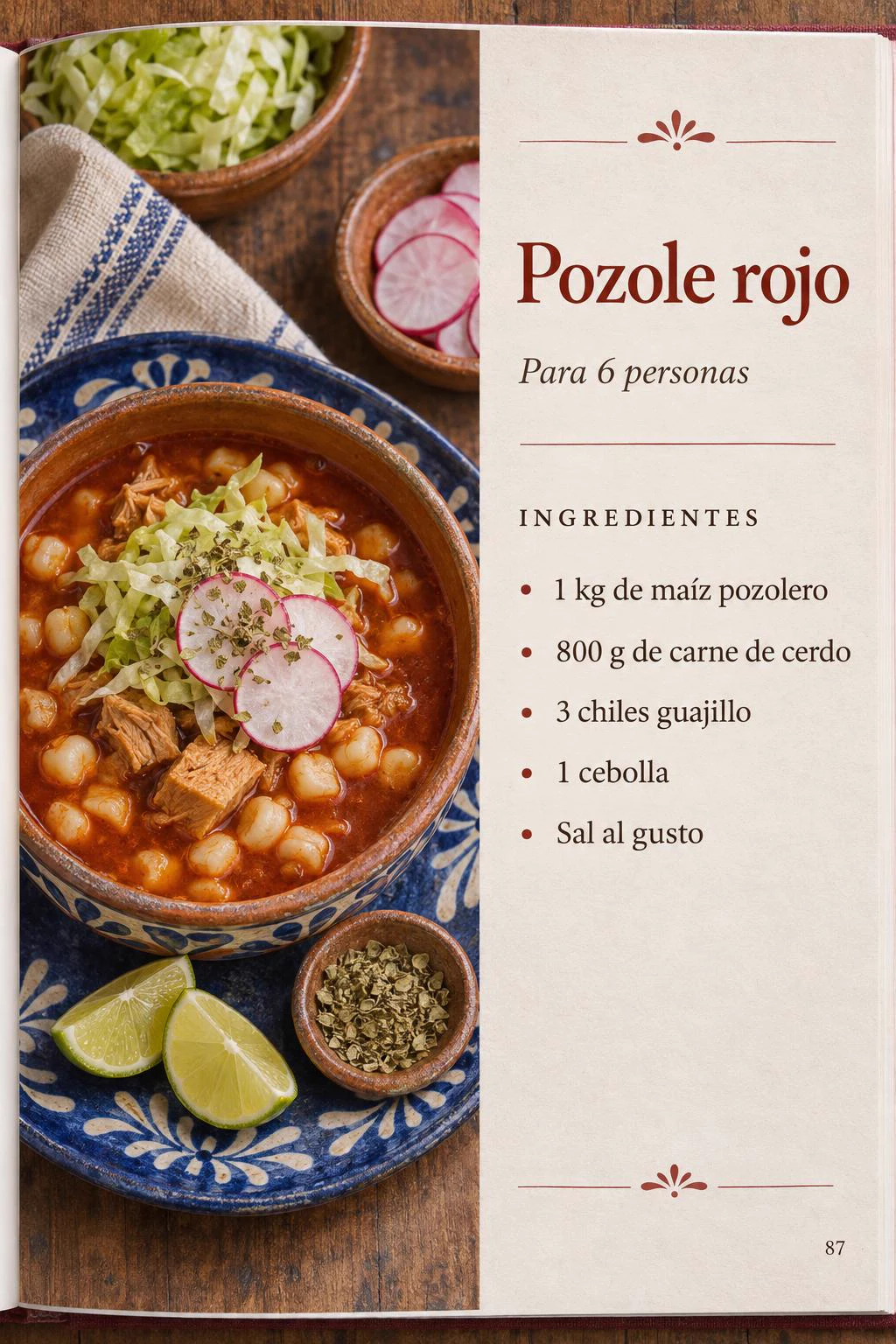
The first Sunburst example requests five labeled coffee-roasting stations, and the requested labels appear. The second requests a Spanish recipe page; the requested text appears along with a small page number.
The Flare example asks for a clean shoe photograph. Describe subject, background, light and exact wording where relevant. A successful take does not guarantee the same result on another run.
- Take
- 02
- Size
- 1024 × 1536
- Aspect
- 2:3
Spanish cookbook page
Made with GPT Image 2.6 Sunburst. The requested text appears, with an added page number.
Generated
Original prompt
A page from a modern Spanish-language cookbook, photographed flat from above. On the left half, a styled photo of a bowl of pozole with radish slices, lime and oregano on a blue ceramic plate. On the right half, a clean recipe layout with the title "Pozole rojo", the subtitle "Para 6 personas", and a short ingredient list of five lines: "1 kg de maíz pozolero", "800 g de carne de cerdo", "3 chiles guajillo", "1 cebolla", "Sal al gusto". Elegant serif typography, soft natural light, subtle paper texture.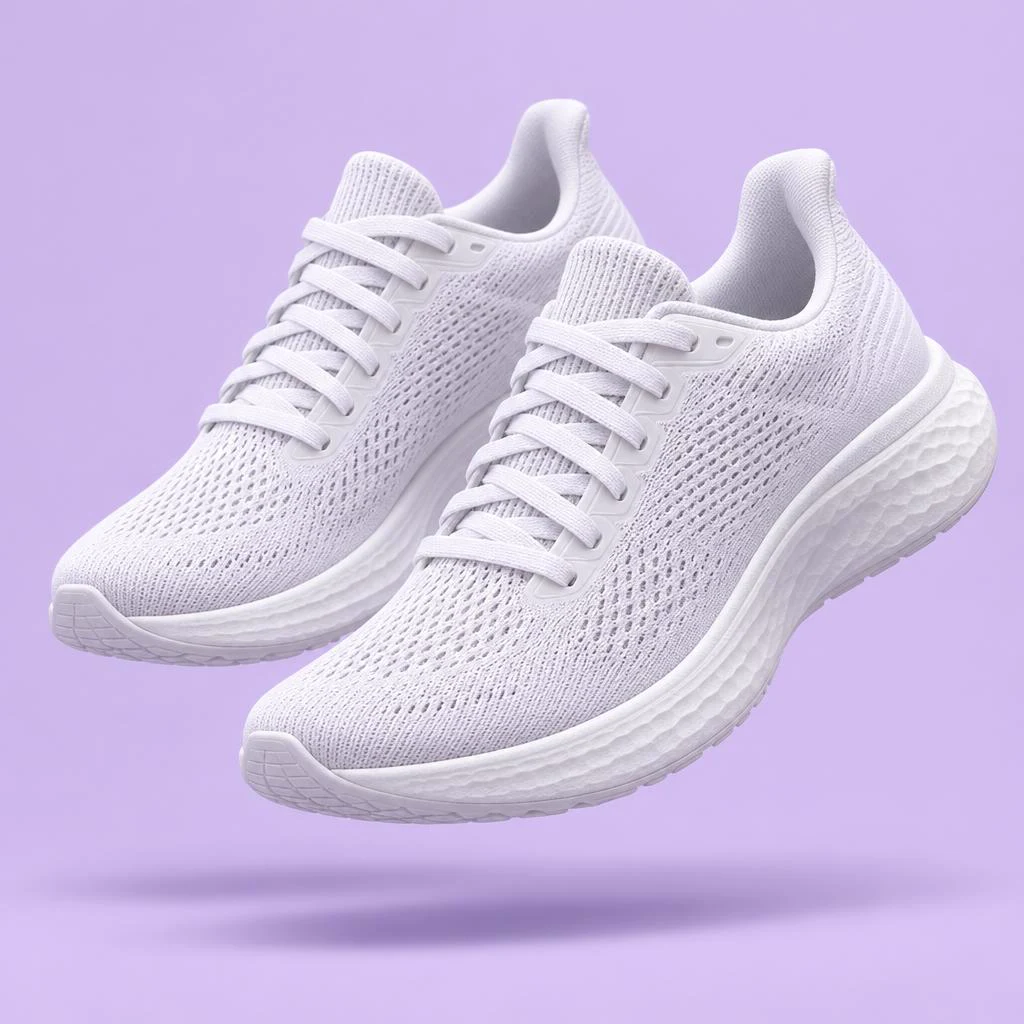
- Take
- 03
- Size
- 1024 × 1024
- Aspect
- 1:1
White running shoes
Made with GPT Image 2.6 Flare. The try prompt button selects Sunburst; switch to Flare in the generator to use the same variant.
Generated
Original prompt
A studio product photo of a pair of white running shoes floating at a slight angle above a pale lavender seamless background, with a soft shadow below. Crisp detail on the knit fabric, laces and foam sole, clean high-key lighting, no logos or text anywhere.Compare image models.
The comparison includes Flare and other image models alongside Sunburst. Compare the available sizes, access and default credit estimates, then try the same brief with each model.
Sizes and credits.
Geneso offers 1024 × 1024, 1536 × 1024 and 1024 × 1536. A 1024 × 1024 Sunburst image starts at 118 credits with the default settings. Settings can change the estimate. See plans and credits.
Use Geneso in AI apps.
Claude
ChatGPT
Other MCP apps
Frequently asked questions.
What is GPT Image 2.6?
It is an OpenAI image model with Sunburst and Flare variants for generation and editing.
Which variant does this page select?
Sunburst. Flare is shown as a comparison model and in the third example; select it separately in the generator.
How do the variants differ?
OpenAI describes Flare as fast and Sunburst as focused on higher quality and consistency across edits at medium or high quality.
Which sizes are available?
Geneso offers square 1024 × 1024, landscape 1536 × 1024 and portrait 1024 × 1536.
How many credits does it cost?
A 1024 × 1024 Sunburst image starts at 118 credits with default settings; check the generator for your selection.
Will text always be correct?
No. The requested labels appeared in the examples, but inspect text and other details on every result.
Sources.
- OpenAI: Introducing Images 2.6
Accessed
- Runware: GPT Image 2.6 Sunburst
Accessed
- Runware: GPT Image 2.6 Flare
Accessed