Turn Your Car Into Lego.
Transform your car into a detailed Lego model! Upload your vehicle and choose whether to include a Lego box in the background.
Upload your image
Drag or click to select an image
Tip: 1:1 images work best for this template!
Transform your car into a detailed Lego model! Upload your vehicle and choose whether to include a Lego box in the background.
Upload your image
Drag or click to select an image
Tip: 1:1 images work best for this template!
Add a clear photo of your car.
Type the car model and choose whether it stands in front of a Lego box.
Generate and see your Lego car right on the page.
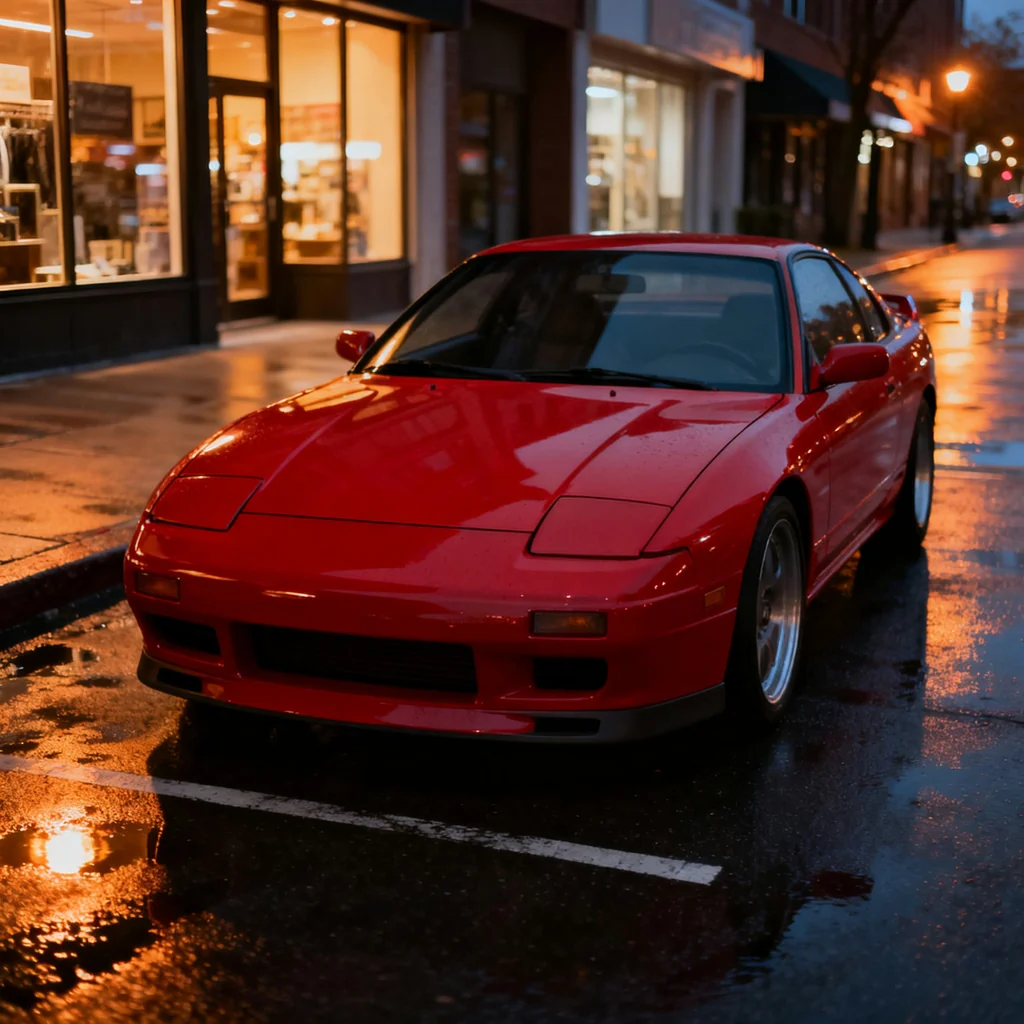
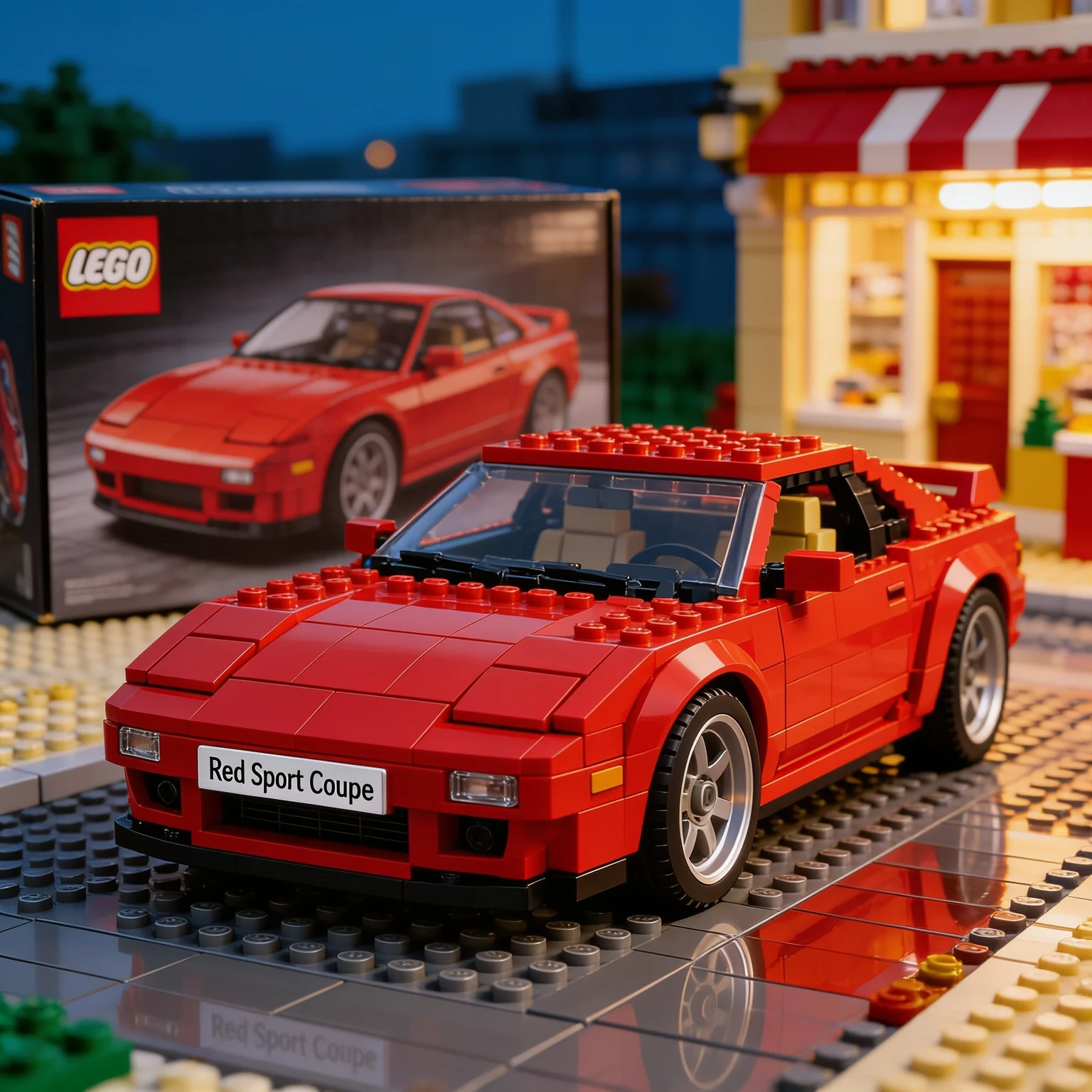
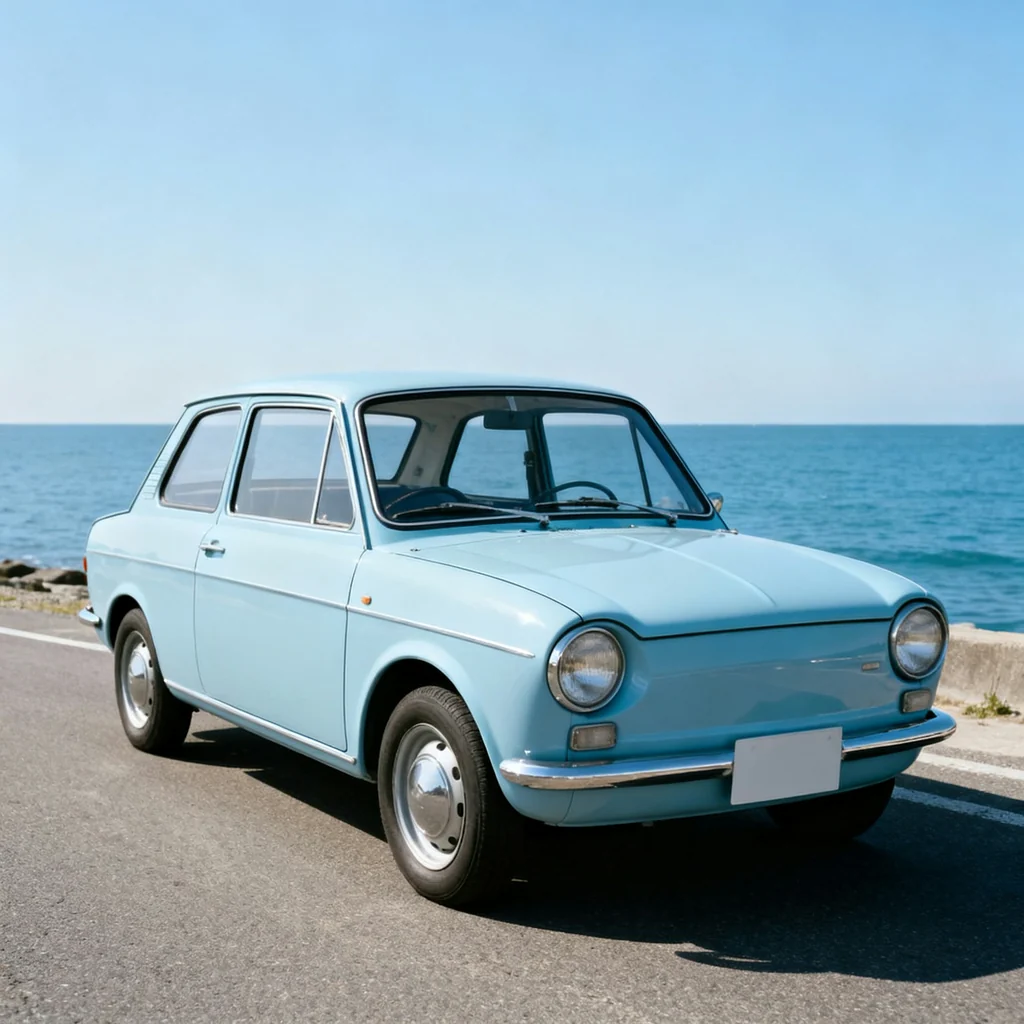
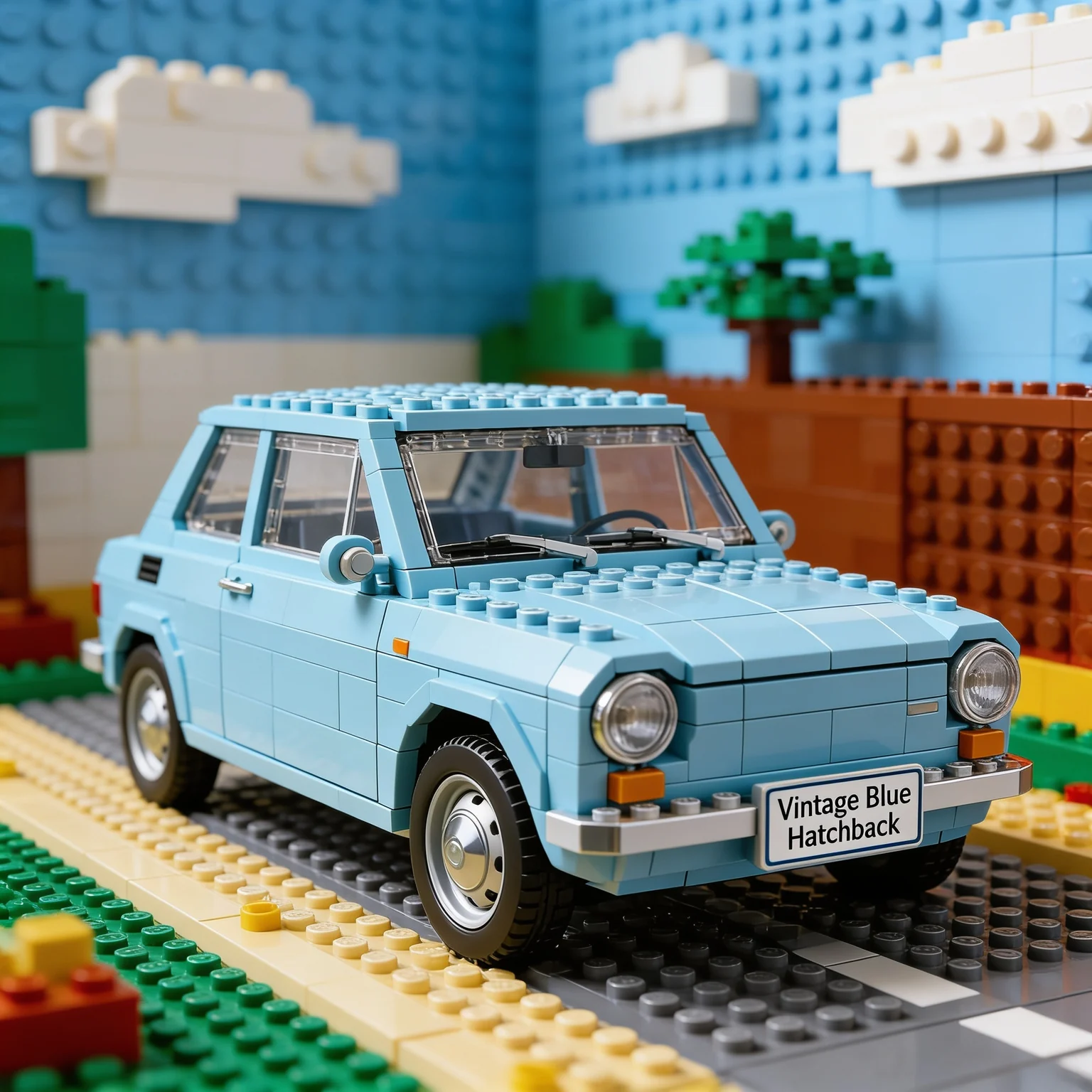
Three cars, each rebuilt in Lego bricks from a single photo, with or without the box. Each photo above, its result below.
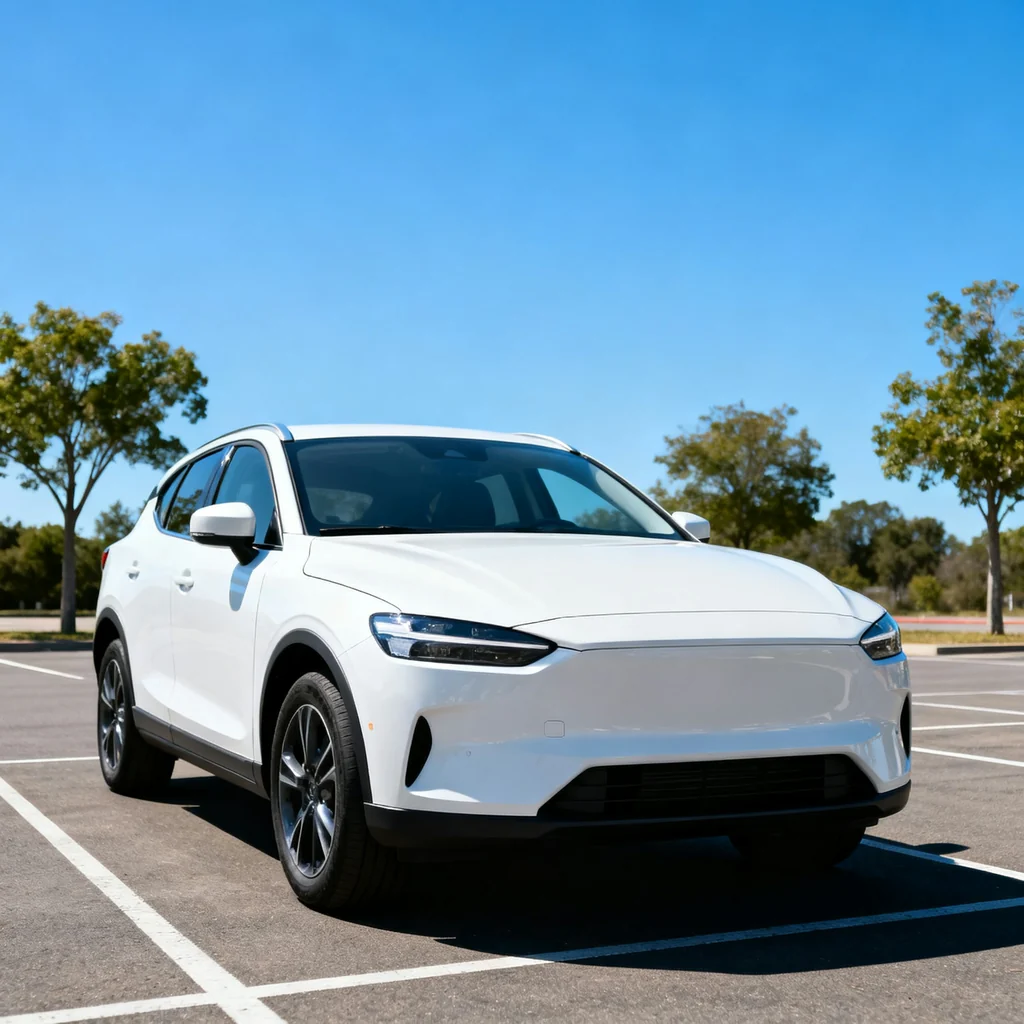
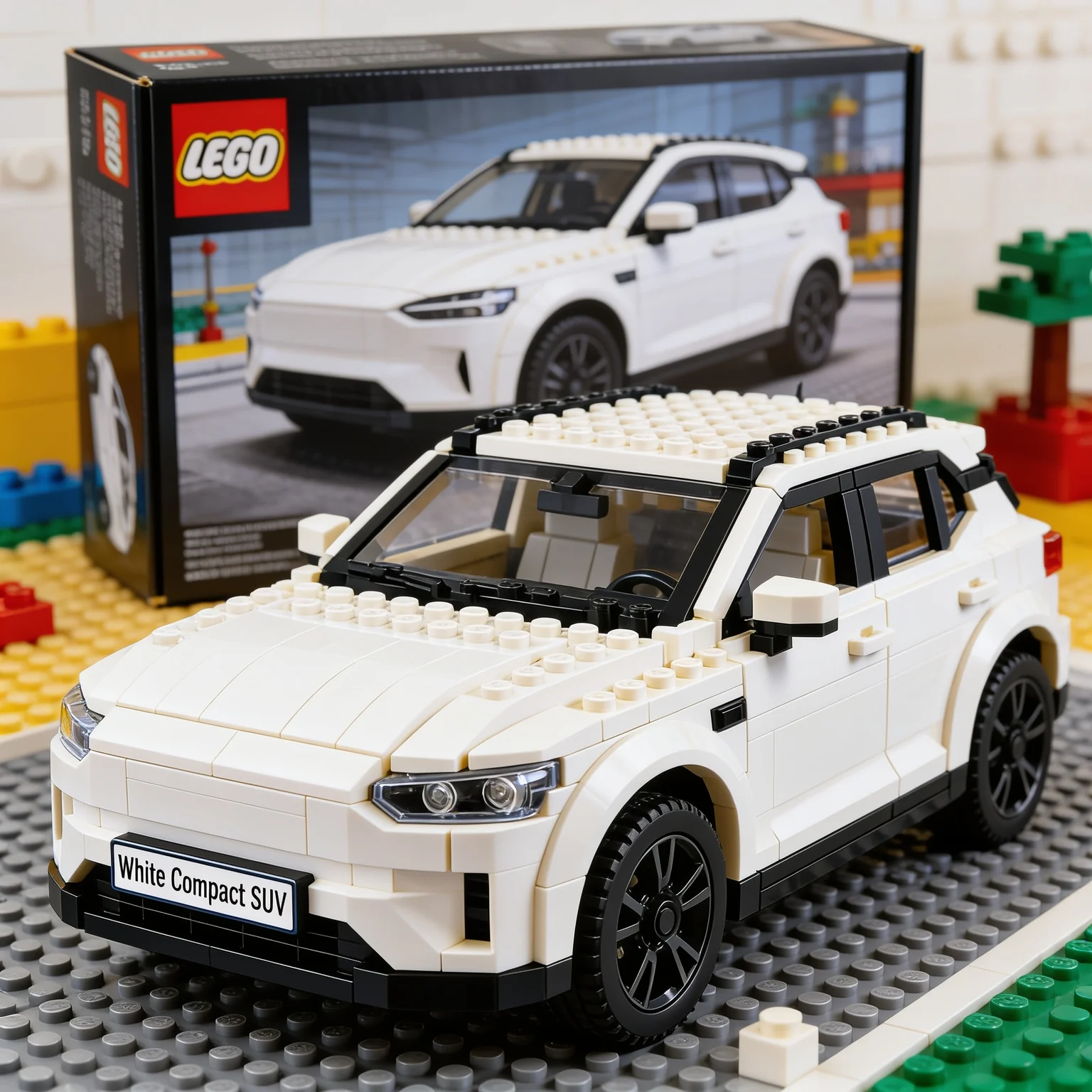
Pick a template, add your photo and get an image or video, without writing a prompt.
The template already holds the prompt. You add your photo and any details it asks for.
Templates make images or videos, and you can filter the list by either.
Templates use the same credit balance as the tools and the generator.
Every result is saved to your library, ready to download.
Few things say you love a car like seeing it rebuilt out of Lego bricks. This template takes a photo of your car and shows it as a brick model on a baseplate, so you can see what a tiny plastic version of your daily driver or dream car would look like.
One choice changes the whole picture: the box. With Lego Box places the model in front of a box that shows the car, like a boxed set on a toy shelf. Without Box leaves it out and lets the model sit in a scene built from bricks. Either way the brick colors follow the colors of your car, as the examples on this page show.
This template likes square photos, so the page recommends 1:1. Keep the car clear and centered, from the side or a front corner, so the windows, lights and wheels have something to translate into bricks. Type the car model and pick the box mode, since both are required, then generate.
Ideas for the result: a gift for a kid who loves the family car, a post for the day you buy a car, a desktop background or a card for a car-loving friend. The finished picture is saved to your library, ready to download.
With Lego Box shows the brick car standing in front of a box that pictures the car. Without Box skips the box, so the car sits in a brick-built scene instead.
No. The template makes an image of your car as a brick model. It does not ship bricks or produce a build guide.
A square photo where the whole car is clearly visible. A busy background is fine, because the template rebuilds the setting out of bricks, but a clear view of the car matters most.
Yes. Upload the photo twice and pick a different box mode each time, then compare the results in your library.
"Images with Nano Banana, Seedream or FLUX 3 Image. Videos with Seedance, Wan3.0 or Veo. The best models in one place."
108+ AI models
"You decide how much to spend. No mandatory subscriptions, no surprises on your card."
Credit control
"Full rights to everything you create. Use them for personal or commercial projects."
Your content