Turn an image into a scalable vector.
Convert a JPG, PNG or WEBP image to SVG online. Get a clean vector file that scales to any size, in seconds.
Compare the original with the result
How to convert an image to SVG in 2 steps.
Upload your image
Drop a JPG, PNG or WEBP image into the box, or click to choose one from your device.
Download your SVG
Get a scalable SVG file in seconds, ready to open in Figma, Illustrator or Inkscape.


Clean vectors from flat art.
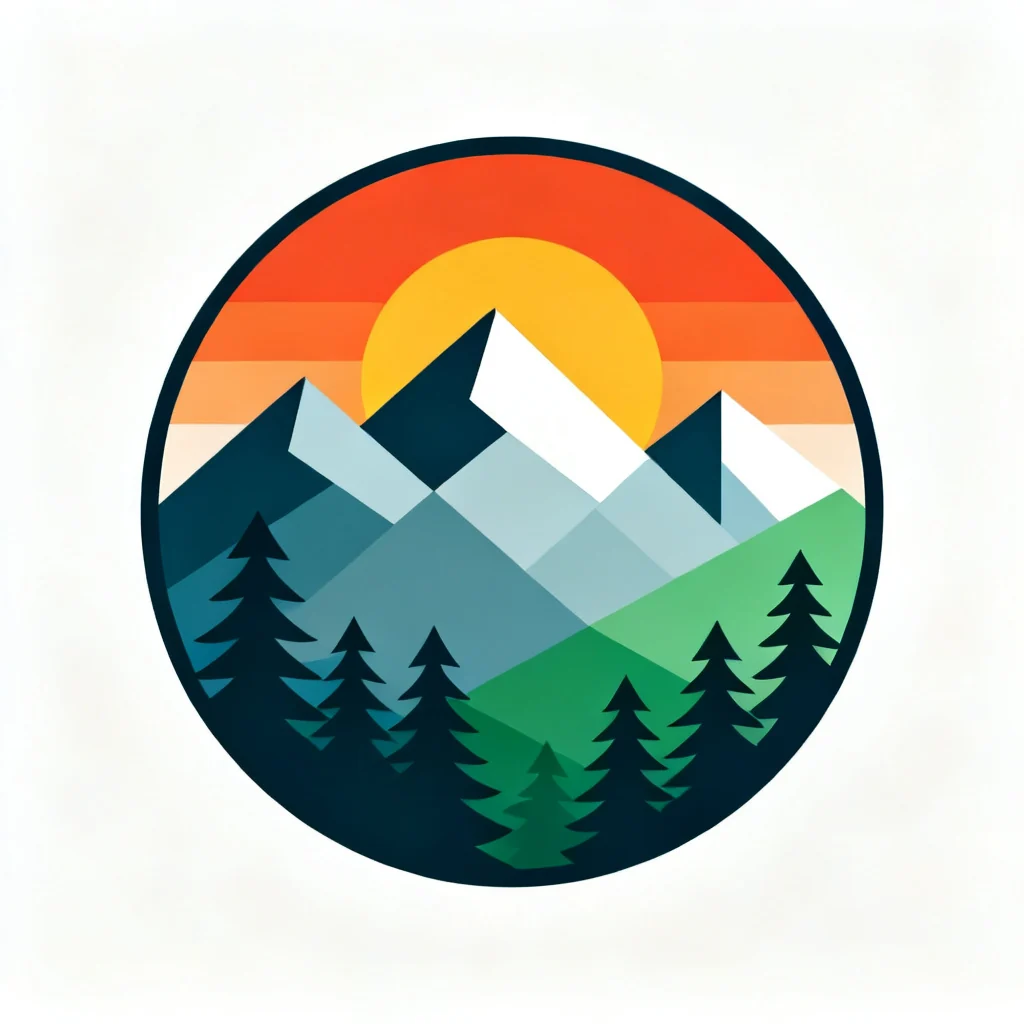
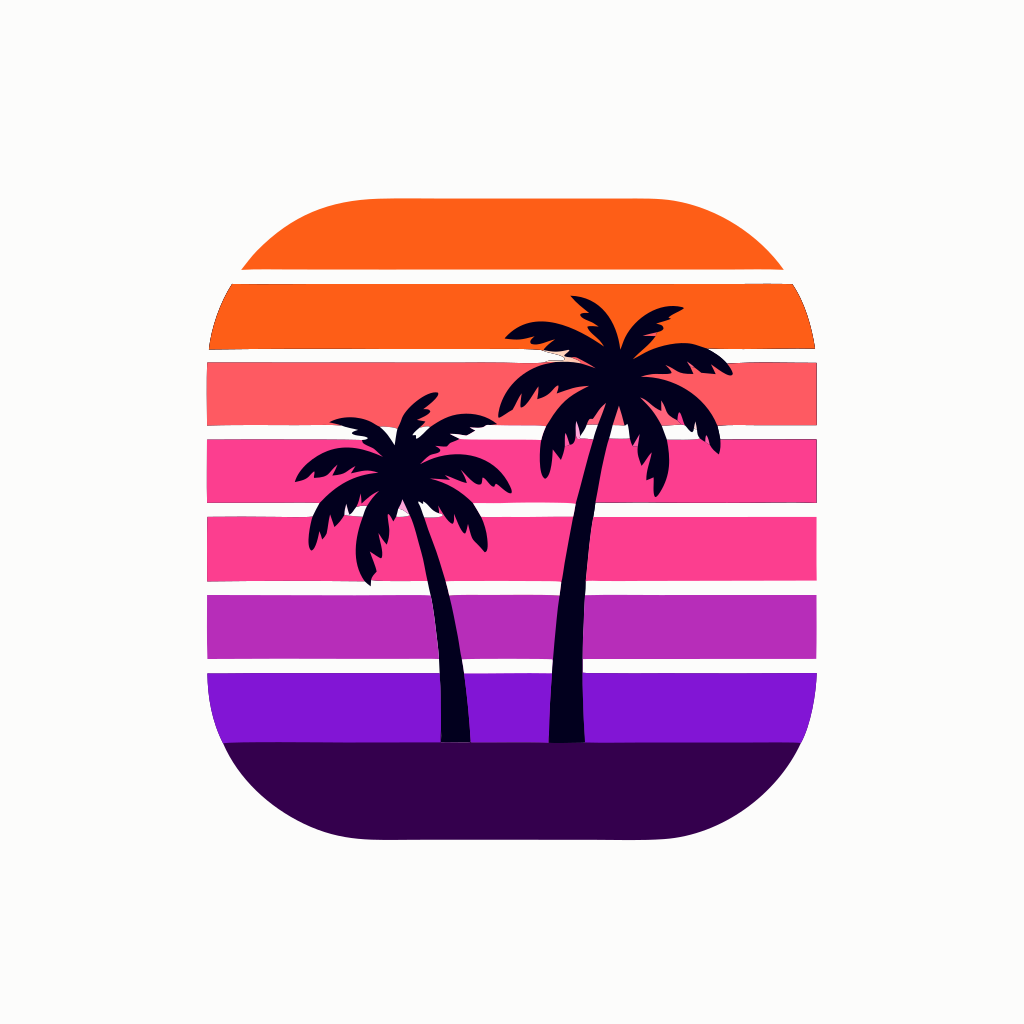
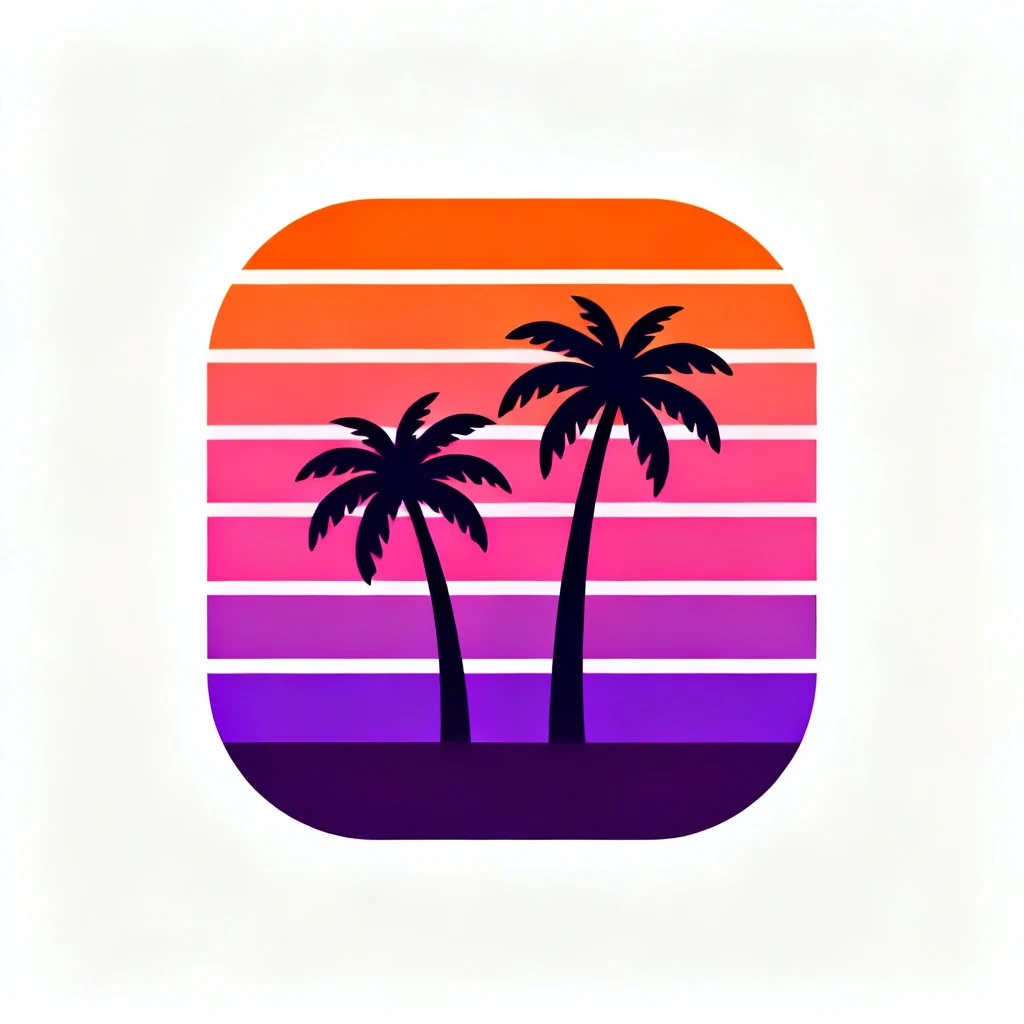
Mascots, badges, icons, avatars and stickers, each converted from its PNG to a vector SVG. Hover or tap a result to see the image it came from.











Built for crisp vectors.
Powered by Recraft Vectorize, it turns an image into an SVG file you can scale and edit.
SVG output
Every run returns an SVG file, a vector format you can download right away.
Sharp at any size
Scale the result up or down and its edges stay sharp, with no blur.
Edit in vector apps
Open the SVG in Figma, Illustrator or Inkscape and change its shapes and colors.
Best on flat art
Works best on logos, icons, stickers and flat illustrations with clear shapes.
See it in action.
Each clip is a 4× close-up: the PNG goes soft, the SVG keeps every edge sharp.